- What it is: An AI-powered research notebook. You upload sources, ask questions, and get cited answers, summaries, audio and video overviews, mind maps, flashcards, and slide decks. Everything comes only from your sources.
- The name: NotebookLM has been called Gemini Notebook since July 16, 2026. Same product, same notebooks, same links.
- What it costs: There is a free tier (50 sources per notebook, 50 questions per day). Google AI Pro and AI Ultra raise the limits. Pricing in Israel is on Google's plans page.
The product was born in 2023 at Google I/O under the name Project Tailwind, with a single goal: to help people learn. Three years later, in July 2026, Google reported more than 30 million users and 600,000 organizations, and renamed it Gemini Notebook.
More than 30 million people use it, Google renamed it in July, and most Israelis still call it NotebookLM. That's not even the interesting part.
The interesting part is what it refuses to do. Gemini Notebook is the only Google tool that will not answer from what it "remembers" from the internet. It answers only from what you give it: the contract, the procedure, the ten articles, the meeting transcript. And every answer comes with a citation pointing to the exact sentence in the source. In a world where the number one AI problem in business is hallucination, this is a tool built around the solution.
This guide is based on Google's official sources (the help pages and the name-change announcement page, checked on September 14, 2026) and on our hands-on experience deploying it inside organizations. What it is, what the limits are on each plan, what's new, what works in Hebrew, and how a business can get started this week.
In short
- What it is: An AI-powered research notebook. You upload sources, ask questions, and get cited answers, summaries, audio and video overviews, mind maps, flashcards, and slide decks. Everything comes only from your sources.
- The name: NotebookLM has been called Gemini Notebook since July 16, 2026. Same product, same notebooks, same links.
- What it costs: There is a free tier (50 sources per notebook, 50 questions per day). Google AI Pro and AI Ultra raise the limits. Pricing in Israel is on Google's plans page.
- What's new: A secure cloud computer that runs code on your sources, and sync with the Gemini app.
- Who it's for: Anyone who works with written material they need to query: consultants, lawyers, knowledge managers, students, marketing managers doing market research.
What is Gemini Notebook?
Gemini Notebook is an AI-powered research assistant that Google describes as "designed to help you refine and organize ideas." The fundamental difference from a regular chat tool: it is sources-first. You open a notebook, upload sources to it, and from that point every question, summary, and output is built exclusively from them.
According to Google's help page, the supported source types are: PDF files, websites, YouTube videos, audio files, Google Docs, and Google Slides. You can also let it search for sources on its own (Discover sources) and add them to the notebook.
The outputs you can generate from your sources, according to that same page: answers with inline citations, an Audio Overview, a Video Overview, a Mind Map, Flashcards and Quizzes, an infographic, a Slide Deck, and Notes that you can save and turn into sources themselves.
One-sentence definition: a notebook equals a collection of sources plus everything created from them. The first question in any use case is not "what should I ask," but "what should I upload."
Why the name changed, and what actually changed
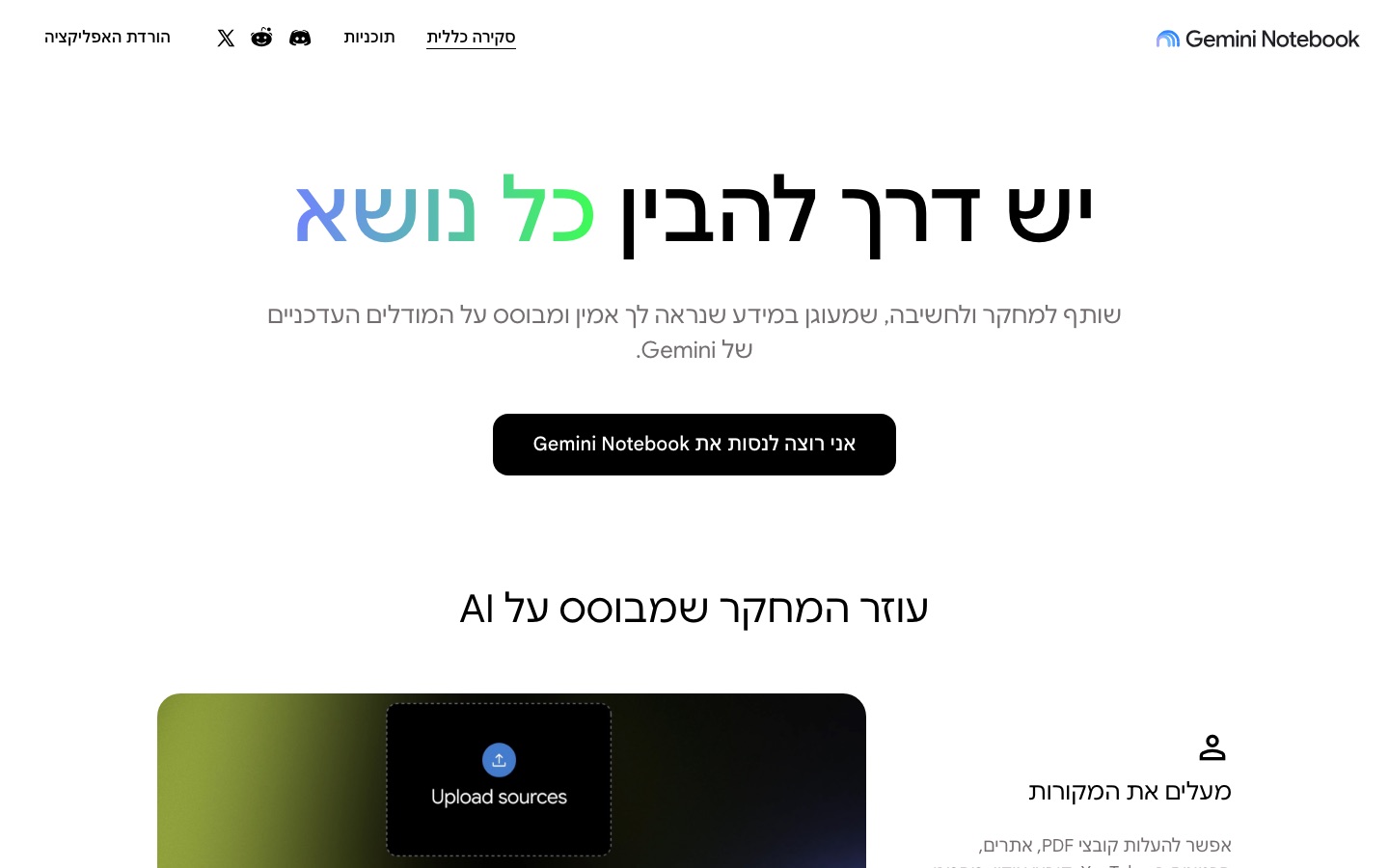
On July 16, 2026, Google announced: "We're renaming NotebookLM to Gemini Notebook. It's the same standalone product, now doing more across the Google ecosystem and updated with a secure cloud computer."
Three important points from the announcement:
- Nothing moved. Notebooks, sources, and shared links continue to work. There is a new logo, blue-purple.
- Sync with Gemini. Notebooks are synced between the Gemini app and the standalone Gemini Notebook, and they will soon come to AI Mode in Search as well.
- The cloud computer. Every notebook gets a "secure cloud computer" that writes and runs code to perform complex data analysis "grounded in your sources." According to Google, it is available to AI Ultra subscribers and Workspace organizations with expanded access, and is rolling out to Pro subscribers in the weeks following the announcement.
The announcement also included numbers: more than 30 million people and more than 600,000 organizations use the tool.
What it costs, and what the limits are on each plan
There is a free tier, and it is enough for a serious start. According to Google's help page on usage limits:
| Free | Google AI Pro | Google AI Ultra | |
|---|---|---|---|
| Notebooks per user | 100 | 500 | 500 |
| Sources per notebook | 50 | 300 | 600 |
| Questions per day | 50 | 500 | 5,000 |
| Audio overviews per day | 3 | 20 | 200 |
For organizations, Google offers Gemini Notebook for Enterprise through Google Cloud, with "5x or more" outputs per notebook, without exact numbers on the page. Check AI Pro and AI Ultra pricing in Israel on Google's plans page, as it changes.
What this means in practice: 50 sources and 50 questions per day cover most single-person projects. The person who hits the limit is someone managing a notebook for every client and asking dozens of questions a day, which is exactly the user the subscription was designed for.
The seven capabilities, and when to use each one
1. Questions and answers with citations
The core. You ask in natural language, get an answer, and next to each claim there is a small number you can click to see the exact sentence in the source. This is what makes the tool trustworthy for working on contracts and procedures: you can verify every line.
2. Audio Overview
Two AI hosts discuss your sources in a podcast-style format. Good for long material you want to "listen to" on the go, and for preparing for a meeting. Three per day on the free plan.
3. Video Overview
A video with slides built from your sources. Good for explaining a process to a team without manually preparing a presentation.
4. Mind Map
A diagram of the topics and connections across your sources. The fastest way to see what is in 40 documents before you read them.
5. Flashcards, quizzes, and infographics
For learning and training: the sources generate practice questions and answers, plus a summary diagram.
6. Slide Deck
A draft presentation from your sources. Not a finished presentation, but a skeleton with the right content.
7. The cloud computer
Code-based data analysis: tables, files, calculations, grounded in your sources. The new capability from July 2026, rolling out gradually by plan.
Hebrew: what works
According to Google, the product supports more than 80 languages and is available in 180 countries and territories. Hebrew sources, Hebrew questions, and Hebrew answers all work. Two things to verify yourself before relying on them: the quality of audio and video overviews in Hebrew (voice and fluency vary by language), and scanned Hebrew documents, which depend on scan quality. And if your source is a Hebrew recording, an interview or a lecture, you can transcribe it first with TurboScribe and upload the transcript as a source, as explained in the TurboScribe guide.
Privacy: what happens to your sources
According to Google's help page: "Your data is protected and is not used to train Gemini Notebook unless you provide feedback." For Workspace and education users, Google states that uploads, questions, and answers "will not be reviewed by humans or used to train AI models."
Our rule for organizations: whatever is permitted to upload to the organization's Google Drive is permitted to upload to a notebook. Whatever policy prohibits in the cloud stays out. For especially sensitive documents there is a third approach, covered in the guide to working safely with AI on sensitive documents.
How to get started: step by step
- Open one notebook for one project. Not "everything." One client, one contract, one market study.
- Upload 5 to 15 good sources. The quality of your sources is the quality of your answers. A clean PDF beats a scan; a full article beats an abstract.
- Ask a question you already know the answer to. Click the citation, verify it points correctly. That is how you build trust in the tool.
- Request a mind map. See the structure of all the material before you dive in.
- Ask your real questions. "What are the cancellation terms in the contract," "what are the three risks that appear across all the articles," "what is the difference between the old version and the new one."
- Save good answers as notes. A note can become a source, and that way the notebook accumulates knowledge.
- Generate one output. An audio overview to prepare for a meeting, or a first-draft presentation for the team.
Five use cases for a business in Israel
- Contracts and agreements: Upload all agreements with a supplier, ask about payment terms, cancellation, and warranty, and get an answer with a citation to the clause.
- Procedures and employee onboarding: All procedures in one notebook, a new employee asks it instead of the manager, and an audio overview as a first training session.
- Market and competitor research: 20 articles and reports, a mind map, then "what does everyone say about X and who disagrees."
- Meetings: Meeting transcripts (from audio files or documents) in a client notebook, and "what did we agree about the budget over the course of the year."
- Content: Verified sources in a notebook, then a draft that cites only them. The best protection against an article that invents things.
The meeting transcripts themselves can be generated automatically with a bot that joins Zoom and Meet and transcribes in Hebrew. See the complete Fireflies.ai guide.
For academic literature reviews, when you need to find the research first and only then query it, the complete Elicit guide covers the step that comes before the notebook.
What is still unresolved
- The cloud computer is rolling out gradually; not every Pro subscriber has it yet.
- The per-source size limit does not appear on the help pages we reviewed, so we do not state one. Very large files are worth splitting.
- Audio overviews in Hebrew need personal testing before you use them in front of clients.
- It does not know what you did not upload. Most disappointments with the tool come from missing sources, not from a weak tool.
The bottom line
Gemini Notebook is not another chat tool. It is Google's answer to the question every organization asks about AI: "How do I know it isn't making things up?" The answer: because it only answers from what you gave it, and shows you where. Anyone who uploads good sources and asks focused questions gets a working research assistant, for free, starting today.
Further reading: The complete Gemini guide · Notion AI: a second brain that answers from your own knowledge · Working safely with AI on sensitive documents · Perplexity: one answer with sources
Sources: The official Gemini Notebook help pages (product overview and usage limits), and Google's name-change announcement from July 16, 2026. All checked on September 14, 2026.
Yaakov Tzedek, AI lecturer, consultant, and organizational AI implementer, and leader of the daily AI tip community. Join the WhatsApp group.
Frequently asked questions

Yaakov Tzedek
An Israeli AI lecturer, consultant and implementer who has supported 100+ organizations in AI implementation and lectured for 200+. Official content partner of Meta, Google, Canva and TikTok, featured on Israel's Channel 13.
More about Yaakov →