- Notion AI answers questions from your own documents, not just general knowledge. What it can do, how it differs from ChatGPT, and how to get started, step by step.
Notion AI does more than write. It can search and answer questions based on all the content already in your Notion workspace, turning it into a second brain you can actually query.
Notion AI is a built-in artificial intelligence assistant inside Notion: the popular knowledge management, document, and task application. Instead of switching to a separate chat, the AI lives right inside your workspace: writing, summarizing, translating, and improving text, while also answering questions based on your own content.
That is the big difference. Most AI tools answer from "what they know." Notion AI answers from "what is written in your Notion," turning your workspace into a "second brain" you can actually query.
What Can Notion AI Do?
- Writing and editing: Drafts, phrasing improvements, tone adjustments, translation, all inside the document.
- Summarization: Takes a long document or meeting notes and returns a concise summary.
- Search and Q&A: Ask a question and get an answer drawn from your entire workspace.
- Content automation: Filling tables, generating task lists, organizing information.
💡 From the field: In my workshops I show that the real value of Notion AI is not "another chat" but that the AI already lives where your knowledge lives. A team that manages documentation, protocols, and tasks in Notion can simply "ask the workspace," which eliminates the constant copy-paste to an external chat.
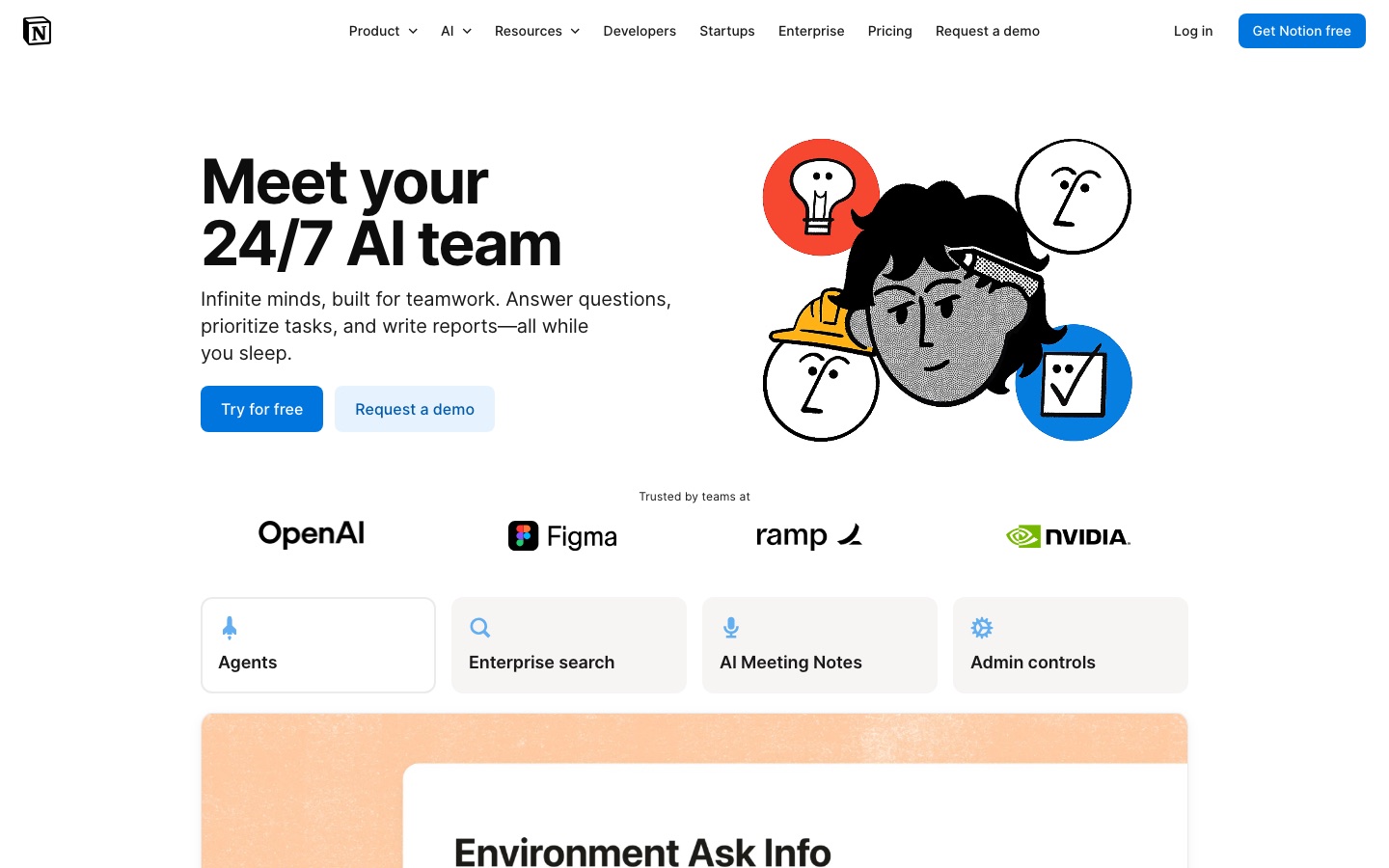 The official Notion AI website, captured in September 2026. Credit: Notion AI
Notion AI vs. ChatGPT: A Quick Comparison
| Notion AI | ChatGPT | |
|---|---|---|
| Where it lives | Inside your Notion workspace | A separate app or chat |
| Source of answers | Your own documents and knowledge | The model's general knowledge |
| Main strength | Search and Q&A over organizational knowledge | General conversation, ideas, analysis |
| When to choose it | When your knowledge already lives in Notion | When you need a general-purpose assistant for any task |
The bottom line: these are not competitors, they are complements. Want the full picture of available tools? The guide to AI tools in Hebrew puts it all in order.
Who Is Notion AI Right For?
- Anyone already working in Notion: this is where the value is highest.
- Teams managing knowledge, documentation, and projects in one place.
- Writers and content creators who want a writing assistant built into their workflow.
For anyone not using Notion, a general chat tool like ChatGPT or Gemini may be enough. If you are building a toolkit, see also free AI tools.
How to Get Started: Step by Step
- Confirm that AI is available on your plan. Some plans include a basic quota, and extended use requires an add-on. Check your workspace settings.
- Start with summarization. Open a long document or a set of meeting notes and request a summary. It is the fastest way to feel the value.
- Try the Q&A. Ask a question you know the answer to is written somewhere in your Notion, and see whether the AI finds it.
- Improve phrasing inside the flow. Highlight a paragraph and request a tone change, a shortening, or a translation, without ever leaving the document.
- Expand to the team. The more knowledge is concentrated and organized in Notion, the more accurate the Q&A becomes. An organization that wants to go further with AI implementation will benefit from having its knowledge in order before introducing any tool.
A Common Mistake Worth Avoiding
Expecting Notion AI to know things that are not written in the workspace. It is only as strong as your documentation. Messy documents or knowledge that stays "in people's heads" will produce partial answers. Document first, then ask.
Summary
Notion AI is the AI assistant that lives inside your workspace, writing, summarizing, and answering questions based on your own knowledge. It is excellent for anyone who already lives in Notion and wants to turn it into a smart "second brain."
My recommendation: if you are in Notion, activate the AI and try "asking the workspace." Want to learn how to work with AI from the ground up? Start with the free Claude course, and if you are an organization looking to implement AI tools for knowledge management, get in touch.
Further reading: For Hebrew-language meetings, see TimeOS (Timeless): the Israeli meeting tool that actually transcribes Hebrew, with a direct connection to Notion. And if you are looking for work management with autonomous AI agents rather than just knowledge management, it is worth comparing with monday AI, the Israeli platform that became a full AI platform in 2026 with agents running directly on your boards.
Frequently asked questions

Yaakov Tzedek
An Israeli AI lecturer, consultant and implementer who has supported 100+ organizations in AI implementation and lectured for 200+. Official content partner of Meta, Google, Canva and TikTok, featured on Israel's Channel 13.
More about Yaakov →