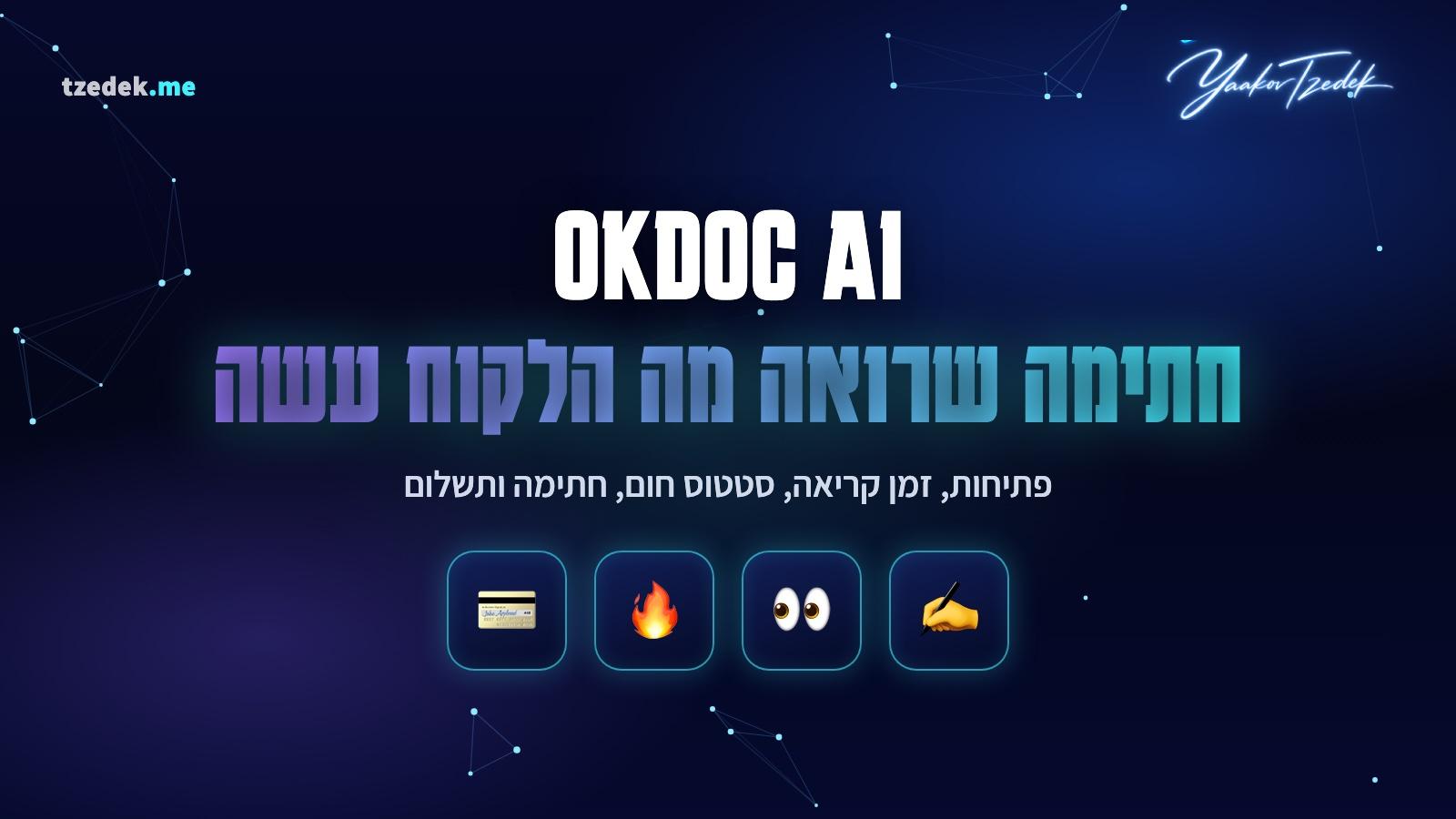
- What OKDOC AI is, how to create proposals from a request or PDF, send via WhatsApp, track opens and read time, prioritize by heat status, and sign and collect payment in one step. Plus: managing the entire flow from ChatGPT or Claude via MCP.
Under Israel's Electronic Signature Law (5761-2001), a document cannot be invalidated solely because it was signed electronically. What actually determines the weight of a signature is the documentation surrounding it: when it was signed, from which device, how identity was verified, and whether the document was altered after signing.
A 5,000 ILS proposal goes out by email on Sunday. By Thursday, still no reply. Then it turns out the client opened it three times, spent several minutes on the pricing page, and nobody in the business had any idea.
This isn't a signature problem. It's a silence problem. Most signing tools answer the question "did they sign" perfectly well, and say nothing about everything that happens before that point: whether the proposal was opened at all, what was actually read, and where the hesitation is.
OKDOC AI (okdoc) is a digital signature platform built around that silence. This guide covers everything you need to know: how to create and send a document, how to read the signals, how to close and collect payment, how to manage the entire process from inside ChatGPT or Claude without opening the platform, and, just as importantly, what not to do with the data.
What is OKDOC AI?
OKDOC AI is a platform for sending proposals and agreements for signature, showing in real time what the client did with the document: opens, reading time, scroll depth, and a click map. Clients can sign and pay in a single flow, and you receive a signed, tamper-evident copy. Thanks to an MCP integration, the entire process can also be managed from a conversation in ChatGPT or Claude. The platform's tagline sums it up in four words: Send. Track. Sign. Close.
You can start for free, no credit card required, and the interface is fully available in Hebrew.
Digital signatures in Israel: what the law says, in brief
The Electronic Signature Law, 5761-2001, establishes that a document cannot be invalidated solely because it was signed electronically. The law distinguishes between three levels: regular, secure, and certified electronic signatures, each carrying different evidentiary weight and technical requirements.
What businesses need to know:
- For most business documents, a regular signature is sufficient: proposals, service agreements, non-disclosure agreements, and onboarding forms.
- The documentation surrounding the signature matters more than the signature itself: timestamp, device, identity verification, and proof that the document was not altered after signing.
- Some documents require prior review: real estate transactions, notarized powers of attorney, wills, and certain forms submitted to government authorities.
This is not legal advice. For any unusual document, check with a lawyer or the body that will receive it. Anyone who wants the full legal picture will find it in the Complete Guide to Digital Signatures for Israeli Businesses.
How it works: six steps
Step 1: Create the document
Two approaches:
- From a prompt: describe what you need, and the system drafts a proposal or agreement. The more precise the request, the better the document.
- From an existing PDF: drag in the file and the system places the signature fields automatically.
A distinction worth internalizing: "write a proposal" returns a generic document. "Proposal for client Golan, 5,000 ILS per month consulting, payment on signature, valid 14 days, one signatory" returns something you can actually send. Either way, read it before you send it. The document goes out in your name.
Step 2: Define who signs
You can set up multiple signatories, assign each a role, and verify identity via one-time code (OTP). This matters when someone is signing on behalf of a company, or when there is both a client and a guarantor.
Step 3: Send through a channel that gets opened
Send via WhatsApp or email. A short message that says what is waiting and what you are asking ("Hi Golan, the proposal we talked about is ready, I'd appreciate it if you could take a look by Thursday") typically gets opened faster than a long email.
Step 4: Read the signals
This is where OKDOC AI differs from a standard signing tool. For every document you can see:
- Opens: how many times, and when.
- Reading time: per open, and per page.
- Scroll depth: whether they made it to the end.
- Click map: what they clicked inside the document.
When the client opens the document, a WhatsApp notification arrives. According to the site, all data is collected without third-party tracking tools.
Step 5: Prioritize by status
Every document receives a status, and every status tells you what to do:
| Status | What it means | What to do |
|---|---|---|
| Hot | The client is reading right now | Call them |
| Stuck | Opened and stalled, usually on the pricing page | A focused conversation about what stopped them |
| Abandoned | Opened, then silence | A short reminder |
| Viewed | Opened, not yet decided | Give them time |
Instead of going through a list of proposals and guessing who to call, you start with the hot ones and the stuck ones.
Step 6: Sign, collect, and store
The client signs, and if you have connected a payment method, they pay in the same flow. After signing, a tamper-evident signed copy is created with an SHA-256 fingerprint that lets you prove the document was not altered.
The mistake almost everyone makes with the data
The data steers the conversation. It does not enter it. The first temptation after seeing a click map is to call and say "I saw you spent four minutes on the pricing page." To the client, that sounds like surveillance, and the conversation ends before it starts.
The same conversation, in a version that works: "I wanted to make sure everything is clear, especially the pricing section. Is there anything we should adjust?" The data told you what to talk about. The client does not need to know that.
Three additional rules:
- Never quote back to a client what they did inside the document. Not opens, not time spent, not clicks.
- A reminder helps; flooding repels. A short follow-up two days after a no-open, not a message every hour.
- Stop when the client has said no. No automation continues after a negative response.
Managing the entire process from ChatGPT or Claude
OKDOC AI connects to ChatGPT and Claude via MCP (the protocol that allows a chat interface to operate external systems), and from there you can manage the entire cycle in conversation: create a proposal, send it for signature, check who opened it, send a follow-up, collect payment, and download the signed copy. Without opening the platform, without switching between screens.
Here is what a typical workday looks like:
| What you type in the chat | What the system does |
|---|---|
| "Draft a proposal for Golan, 5,000 ILS per month consulting, payment on signature" | Writes the full document and saves it as a draft for review |
| "Send it to him for signature, with card payment" | Sends it for signature, with payment collected at the moment of signing |
| "What's the status of Golan's proposal?" | Returns status and a timeline: when it was opened, how many times, who still hasn't signed |
| "Who should I follow up with today?" | Ranks the open deals: opened repeatedly, read but unsigned, signed but unpaid, gone quiet, never opened |
| "Remind everyone who signed but hasn't paid" | Finds documents awaiting payment and sends a reminder to each signatory |
| "Golan paid by bank transfer, mark it as paid" | Updates the document as paid |
| "Give me the signed copy" | Returns a download link for the signed, tamper-evident copy |
Sending for signature: straight from the chat
Request a document in natural language, or send a saved template, including to an entire list of recipients at once. The default is safe: a document created from the chat is saved as a draft with a preview link, and only goes out to the client when you explicitly ask it to be sent.
Follow-up: the chat knows who to call back
This is the part that saves the most time. For every open deal the system returns a full picture: which signatory is waiting, how many times they opened it, when they last did, how long the silence has been, what the amount is, and what behavioral signal is showing. And from there, in the same conversation, you send a reminder: by email in copy you write yourself, or by WhatsApp using the system's approved template.
Payment collection: without leaving the chat
When you send a document, you choose how the client pays: by card at the moment of signing, via a payment link, or by bank transfer. Afterward, from the same conversation, you see the list of collected payments, send a reminder to anyone who signed but hasn't paid, and mark as paid anything that came in by transfer.
What else you can do from the chat
- Contract analysis: paste in a contract you received and get a summary, key terms, and problematic clauses ranked by severity.
- Weekly summary: revenue, signatures, deal pipeline, and hot leads.
- Full workflows: trigger a workflow on a client and the system chases signatures, payments, forms, and files on its own.
- Contacts, templates, and automations: add, update, and activate from within the conversation.
This is one of the most useful MCP servers for businesses, where you will also find an explanation of how to connect a server like this. Anyone who wants to connect OKDOC AI to an agent that finds leads and manages the entire sale will find that in the guide to building a sales agent on Grok Bot. For a general introduction to Grok Bot itself, what it is and how to get started, there is the Complete Guide to Grok Bot.
A rule of thumb for working from the chat
- Free to do on your own: create drafts, ask about status, request the follow-up list, summarize the week.
- Only with your explicit approval: send a document to a client, send a reminder, change an amount, mark as paid.
The chat does the work. The decision about what goes out to the client stays with you.
Automations
The higher-tier plans include reminders that adapt to behavior: one message for someone who never opened, a different one for someone who stalled. There is also an automatic follow-up agent that handles tracking on documents that have not been closed. For integrations with other systems there is also an API, webhooks, and a Make connector.
Plans: what to check before choosing
You can start for free, no credit card required. Paid plans are determined by the number of signatures per month, and automations, team seats, API access, and MCP are on the higher tiers. Quotas are updated periodically, so before choosing, answer four questions:
- How many documents go out for signature from your business each month?
- Do you need reminders and automations, or is seeing the signals enough?
- How many people on the team will be sending documents?
- Will you manage the process from ChatGPT or Claude, or connect the platform to a CRM and Make?
Then match your answers to the pricing page.
What OKDOC AI does not solve
- A weak proposal stays weak. Read tracking will show you that the client stalled on the price. It will not set the price for you.
- Documents requiring a certified signature or physical presence need prior legal review, regardless of which platform you use.
- Behavioral data does not replace a conversation. It tells you when to talk and what about, not what to say.
What this means for your business
A two-minute check: open the list of proposals sent this month that have not closed, and ask for each one "do I know whether it was even opened?" If the answer is "no" in most cases, your problem is not the quality of your proposals. It's the silence that follows them.
For anyone who wants to work through the entire process hands-on, there is an interactive OKDOC AI course: 14 lessons with in-page exercises, a quiz, a certificate, and the first lesson free.
The bottom line
The 5,000 ILS proposal did not stall because the client wasn't interested. It stalled because nobody knew he had been sitting on the pricing page. OKDOC AI does not close the deal for you. It tells you when to call and what about, and anyone working from ChatGPT or Claude can ask that question, send the reminder, and collect the payment, without ever leaving the conversation.
Frequently asked questions

Yaakov Tzedek
An Israeli AI lecturer, consultant and implementer who has supported 100+ organizations in AI implementation and lectured for 200+. Official content partner of Meta, Google, Canva and TikTok, featured on Israel's Channel 13.
More about Yaakov →