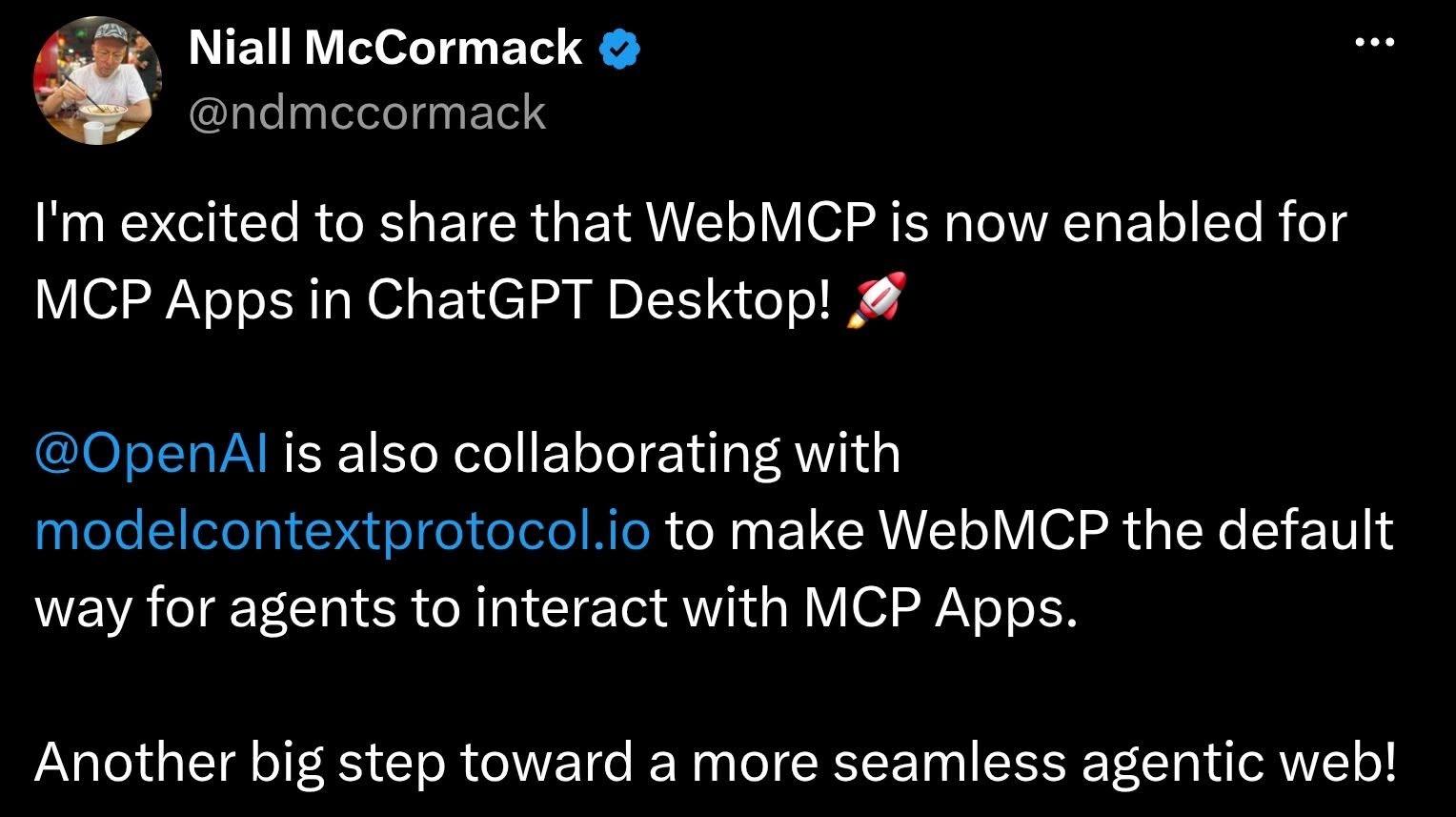
- Niall McCormack's announcement on X(https://x.com/ndmccormack)
- OpenAI's documentation on Site tools (WebMCP) in ChatGPT(https://learn.chatgpt.com/docs/webmcp)
- OpenAI's announcement of WebMCP in ChatGPT Desktop(https://x.com/OpenAIDevs/status/2092344959248761263)
WebMCP has been enabled for MCP Apps in ChatGPT Desktop. What that means: an app that opens inside the chat can expose its own tools to the agent, and the agent works inside it alongside the user, on the same screen. OpenAI has also announced that it is collaborating with the MCP project to make WebMCP the default way agents interact with MCP Apps.
The announcement was posted on X by Niall McCormack, one of the developers working on WebMCP, and it's exactly the kind of news that's easy to miss. There's no new model here, no impressive benchmarks, no launch party. But this is one of the most important steps of the year in how AI will work with our software.
In short:
- WebMCP gives a web page a way to tell an AI agent what actions it can perform, instead of having the agent guess what to click.
- MCP Apps are interactive interfaces that open inside the chat, like a form or a dashboard.
- What's new: WebMCP now works inside MCP Apps in ChatGPT Desktop, and OpenAI is working with the MCP project to make this the standard approach for everyone.
- For businesses: Anyone building a website, system, or application needs to start thinking not just about the human user, but also about the agent working on their behalf.
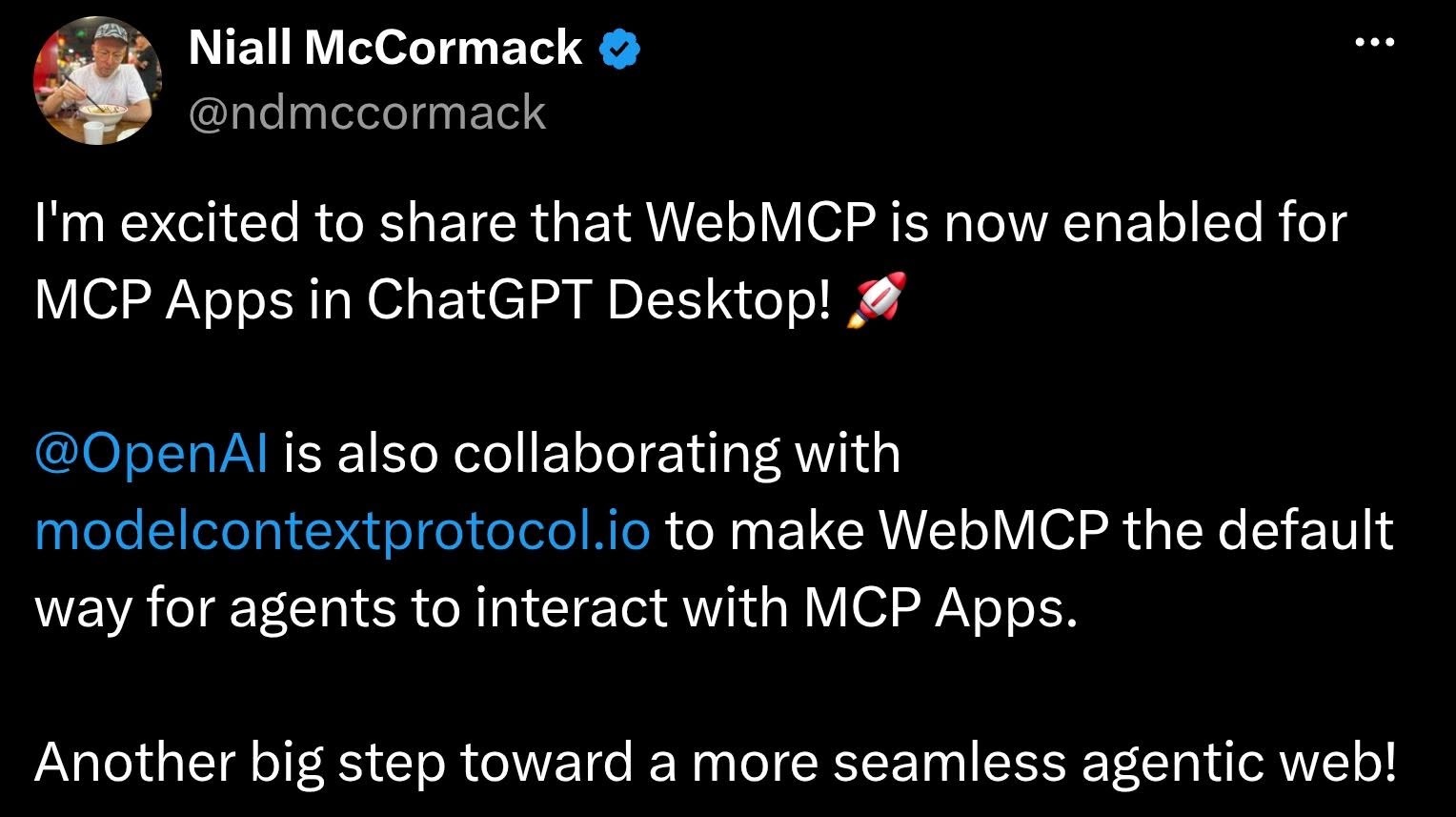 The original announcement. Credit: Niall McCormack (@ndmccormack) on X.
What exactly was announced?
Two things: WebMCP has been enabled for MCP Apps in the ChatGPT desktop app, and OpenAI is working with the Model Context Protocol team to make WebMCP the default way agents work with MCP Apps.
To understand why this matters, you need to know three layers that until now operated separately: MCP, MCP Apps, and WebMCP. Let's go through them one by one, without the jargon.
What is MCP, and why is everyone talking about it?
MCP (Model Context Protocol) is a shared language that lets an AI model connect to other systems: Gmail, a CRM, a database, Google Drive. Instead of building a separate connector for every chat and every system, you build one MCP server, and any agent that supports the standard can use it.
If this is your first encounter with the concept, a good place to start is the guide: what is MCP, and from there MCP for businesses.
What are MCP Apps?
MCP Apps is MCP's first official extension: a server can return not just text, but an interactive interface that opens inside the chat. An order form, a sales dashboard, a chart, a multi-step workflow, all displayed within the conversation in an isolated sandbox.
The extension launched officially on January 26, 2026, and is currently supported in ChatGPT, Claude, VS Code, and Goose. It grew out of a community project called MCP-UI, with contributions from companies including Shopify, Postman, Hugging Face, and ElevenLabs.
The problem that remained unsolved: the app opened inside the chat, but the agent didn't really know how to work inside it. The user clicked buttons, and the agent only saw what the server sent back.
What is WebMCP?
WebMCP is a proposed standard that lets a web page register "tools" that an AI agent can invoke directly: functions with a clear name, a description, and a list of the data each one requires. The page does this through a new browser interface called navigator.modelContext.
The practical upshot: the agent no longer has to decode pixels, guess which button does what, or dig through the page's source code. It asks the page what can be done, and gets back a structured list.
A brief timeline:
- August 2025: Google and Microsoft published a joint proposal, which was accepted into the W3C Web Machine Learning Community Group.
- 2026: Chrome opened a developer preview.
- August 25-27, 2026: OpenAI added WebMCP support to ChatGPT Desktop's built-in browser. When you visit a site that supports the standard, ChatGPT and Codex automatically detect the tools it offers and use them.
- Now: WebMCP has been brought into MCP Apps as well.
According to reports, millions of Shopify stores already support WebMCP, and companies including Expedia, Instacart, and Target are experimenting with the standard.
Why is connecting WebMCP to MCP Apps a big step?
Because until now there were two separate worlds: websites the agent browses, and apps that open inside the chat. From now on, both speak to the agent in the same language.
Think of an appointment-management app that opens inside the chat:
- Before: You see the calendar and click around yourself. The agent can only open the app and summarize what the server returned.
- After: The app itself defines tools for the agent, such as "show available slots" and "book appointment." You say "find me two slots on Wednesday after 4:00 PM," and the agent does it inside the same calendar you're looking at. You confirm.
That's the difference between an assistant who sits beside you and watches, and one who holds the mouse with you.
WebMCP vs. MCP vs. MCP Apps: what's the difference?
| Standard MCP server | MCP Apps | WebMCP | |
|---|---|---|---|
| Where it runs | On the server | Interface inside the chat | In a page open on the user's side |
| What the agent gets | Access to systems and data | An interface to present to the user | Tools to act within the page |
| User connection | Via pre-granted permissions | Via the server | The page's own session |
| Example | Pull leads from the CRM | Display a leads dashboard in the chat | Filter and update leads in the open dashboard |
The bottom line: they don't compete. The MCP server provides access, MCP Apps provides the interface, and WebMCP lets the agent work inside that interface.
What about safety?
Every tool invocation through WebMCP in ChatGPT goes through a safety check before it runs, and all the standard confirmation rules continue to apply. According to OpenAI's documentation, significant actions such as sending messages, making purchases, deleting data, or changing permissions require explicit confirmation.
In addition, whoever builds the site or app decides exactly which actions to expose to the agent. Any action that hasn't been defined as a tool simply cannot be triggered by the agent through WebMCP.
What does this mean for your business?
If you have a website, a store, a system, or an app, your next user may well be an AI agent acting on a customer's behalf. The question is whether it will understand what can be done with you, or just guess.
Three questions for your next leadership meeting:
- What are the five actions customers perform most often with us? Ordering, searching for a product, booking an appointment, checking a status, contacting support. These are the first candidates to become tools an agent can invoke.
- Who owns "agent readiness" on our end? It's not a new role. It's the developer, the website vendor, or the digital agency. But someone needs to put it on the table.
- Which actions must never happen without human approval? Payments, cancellations, deletions, and changes to personal details. Define that upfront, not after the first incident.
And if you're building a SaaS product or a chat application: now is the time to design the interface so an agent can work within it too. If you're not yet connected to this world, the guide to connecting AI to business systems via MCP is a good starting point, and there's also a list of the most useful MCP servers.
What's still unknown
It's important not to get ahead of ourselves:
- The standard is still a draft. WebMCP is a draft report from a W3C Community Group and has not yet entered the track toward an official standard.
- Availability is partial. In ChatGPT it works in the desktop app, with GPT-5.6 Sol or GPT-6 Sol (it is off in GPT-5.6 Luna). It is not available in Edu accounts, and in Enterprise accounts the system administrator must enable it. In Chrome it is only available to developers in the early preview.
- Details on MCP Apps are still sparse. As of October 22, 2026, the announcement about WebMCP inside MCP Apps was posted on X, and we have not yet found a detailed official document from either OpenAI or the MCP project. We will update when one is published.
The bottom line
The web of the coming years will not be built only for humans who scroll and click, but also for agents who act on their behalf. WebMCP inside MCP Apps is another step in that direction: the agent stops guessing and starts working from instructions the site or app provides.
Those who start thinking about this now, while the standard is still young, will be ready when it becomes the default.
Want to explore how your business can connect to AI agents? Get in touch.
Sources:
- Niall McCormack's announcement on X
- OpenAI's documentation on Site tools (WebMCP) in ChatGPT
- OpenAI's announcement of WebMCP in ChatGPT Desktop
- MCP Apps: the announcement on the Model Context Protocol blog
- SEP-1865 proposal for MCP Apps
- WebMCP on the W3C Web Machine Learning GitHub
- Search Engine Journal on WebMCP in ChatGPT
- VKTR on WebMCP in ChatGPT
Frequently asked questions

Yaakov Tzedek
An Israeli AI lecturer, consultant and implementer who has supported 100+ organizations in AI implementation and lectured for 200+. Official content partner of Meta, Google, Canva and TikTok, featured on Israel's Channel 13.
More about Yaakov →