- On October 20, 2026, Perplexity launched a mode where the Computer agent runs entirely on Apple silicon Macs: model, planning, inference, and file processing stay on-device. Files reach the cloud only with your explicit approval. Here is everything known: availability, hardware requirements, supported models and apps, and what it means for businesses handling sensitive documents.
In Perplexity's new local mode, both the agent that plans the task and the model that executes it run on the Mac itself. A file reaches the cloud only if you explicitly approve it.
An AI agent that reads your emails, messages, and files. Does it without sending a word to a server. And it has one requirement that most office computers don't meet.
On October 20, 2026, Perplexity launched a mode in which its agent, Perplexity Computer, runs entirely on a Mac with an Apple chip. The model, task planning, inference, and file processing stay on the machine, and a file only reaches the cloud if you approve it. The catch: Perplexity recommends 36GB of memory or more.
In short:
- What it is: Perplexity Computer, Perplexity's agent, now runs fully local in the Mac app.
- What stays on the machine: The model, planning, inference, and file processing. Code execution and tools run in an isolated sandbox.
- The models: Qwen 3.6 or PPLX Pro, a version of Qwen that Perplexity trained itself.
- Apps: Notes, Messages, Mail, Numbers, and others, with permission.
- Availability: Pro, Max, and Enterprise. Mac with Apple silicon, 36GB or more recommended.
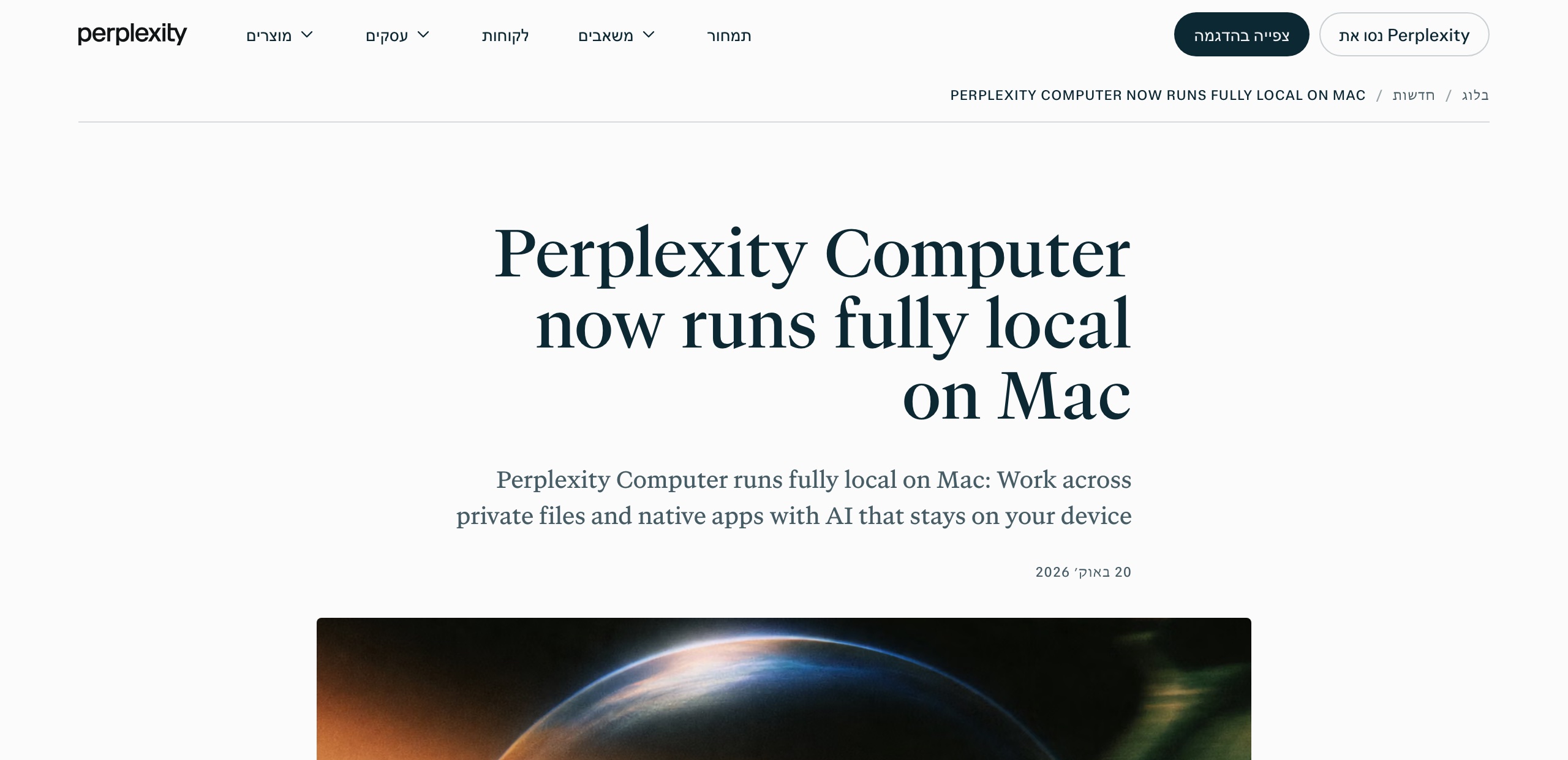 Screenshot: the official Perplexity blog (perplexity.ai/hub/blog), October 20, 2026.
What exactly changed in Perplexity Computer?
Until now, the agent's reasoning happened in the cloud. From now on it can happen entirely on the Mac. In the official blog, Perplexity writes that sensitive work can stay on the Mac at every stage, from planning and analysis through to the final output.
According to 9to5Mac and MacRumors, both the model and the agent that directs the task run on the device. Code execution and tools run in an isolated environment, with controlled access to files and apps.
This is the third step in half a year. In April, Perplexity launched Personal Computer for Mac, and in September came Hybrid Compute, which splits the work: research and complex inference in the cloud, private files in a local model. Both modes are now available in the same app. If you're not yet familiar with the tool itself, the complete Perplexity guide in Hebrew is a good starting point.
What can the agent do in local mode?
It works with your files and Mac apps, after you've granted permission. Perplexity mentions Notes, Messages, Mail, Numbers, Keynote, Excel, and Outlook.
The example 9to5Mac provides illustrates the idea: the agent goes through your recent messages and emails, identifies deadlines, and builds a task list in Notes. All of this without the content of those messages leaving the machine.
According to 9to5Mac, tasks like these can run without an internet connection. When a task requires up-to-date information, browsing a website, or a cloud-connected app, the agent asks for permission to switch to the cloud. There, more than 15 advanced models are available, and that does consume credits.
What's the big catch?
Memory. AppleInsider already put it in the headline: fully local execution, with a big asterisk. Perplexity recommends 36GB of unified memory or more to run Computer locally.
Most office Macs aren't there. Base-configuration machines ship with less memory, and on a Mac you can't add memory after purchase. Anyone who wants local mode needs a higher-configuration machine, and Perplexity itself presents the Mac mini as an example of a suitable machine.
According to MacRumors, there is a middle ground: Hybrid Compute works from 24GB. But there, some of the work does go to the cloud, so it's not the same privacy story.
What does this mean for your business or organization?
For the first time, an office that holds sensitive documents can let an AI agent work on them without uploading them to another company's server. That's the substantive change, and it's not theoretical.
Law firms. Contracts, pleadings, and client correspondence are exactly the material that shouldn't be circulating. A local agent can summarize a file, extract deadlines from emails, and build a task table, with the material staying on the firm's computer.
Accountants and tax advisors. Reports, pay stubs, and clients' Numbers or Excel files. Local processing eliminates the uncomfortable question "where did you upload my file?"
Clinics and therapists. Medical information is among the most sensitive data there is. Here the value of "the file doesn't leave the machine" is especially clear.
What about Amendment 13 to the Privacy Protection Law?
Amendment 13, which came into force in August 2025, increased the responsibility of anyone holding personal information and strengthened the enforcement powers of the Privacy Protection Authority. Local processing reduces the transfer of information to an external party, and that is a real advantage.
But it doesn't exempt you from anything. Responsibility for securing the machine, for the permissions you grant the agent, and for every approval to upload a file to the cloud stays with you. Before bringing a tool like this into the office, it's worth going over it with a privacy consultant or a lawyer.
Three steps before buying a machine
- Check your existing computers. In the Apple menu, "About This Mac," you can see how much memory you have. Below 36GB, full local mode is not recommended.
- Define what stays local. A simple list: which folders and apps the agent is allowed to touch, and what never goes to the cloud.
- Try it on one task. For example, summarizing deadlines from one week's email. Check quality and speed before scaling up.
The broader context: in the same week the giants are expanding the cloud, here is a direction going the other way. We wrote about it in the complementary story from today, about OpenAI models on Google Cloud. And anyone looking for a proactive agent that works in the cloud can compare it to Anthropic's Claude Duet.
What is still unknown?
The announcement focuses on capabilities, and less on limits. These are the open questions:
- Quality vs. the cloud: There is no independent comparison yet between the local Qwen 3.6 or PPLX Pro and the advanced cloud models, on real business tasks.
- Hebrew: Perplexity has not published data on the performance of the local models in Hebrew. That requires hands-on testing.
- Speed: There are no official figures on task execution time on a 36GB machine versus a more powerful one.
- Organizational controls: It's not yet clear what tools an IT admin in Enterprise has to enforce that certain tasks remain local.
- Audit trail: No detail has been provided on how a record of every approval to upload a file to the cloud is kept, which matters to any organization that needs to prove what left its walls.
How do you bring AI into an organization without putting data at risk?
The tool is the easy part. The real question is which processes you hand over to it, and which information must never leave. That's what I work on in workshops for organizations: mapping together the tasks where AI saves time, and defining what stays local and what is permitted to go to the cloud.
- AI workshops for organizations: hands-on work with tools like Perplexity, ChatGPT, and Claude, tailored to your field and your data sensitivity.
- Claude Code workshops: for teams that want to build their own agents and automations, including working with local files.
- And for anyone who needs a structured implementation plan, there is also AI consulting for businesses.
Frequently asked questions
What is Perplexity Computer in local mode?
It's a mode launched on October 20, 2026 in the Perplexity Mac app, in which the Computer agent runs entirely on the machine. The model, planning, inference, and file processing all happen on the device, and files reach the cloud only with your approval.
What machine do you need?
A Mac with an Apple chip. Perplexity recommends 36GB of unified memory or more for full local execution. According to MacRumors, Hybrid Compute mode works from 24GB.
Who can use this and how much does it cost?
Perplexity Pro, Max, and Enterprise subscribers. No separate pricing has been published. Local work does not consume cloud credits; going to the cloud for search or browsing does.
Does it work without internet?
According to 9to5Mac, yes. Tasks in local mode can run without a connection. Tasks that require current information or browsing will ask for permission to switch to the cloud.
Does local processing resolve your business's privacy obligations?
Not on its own. It reduces the transfer of information to an external party, but responsibility for securing the machine, for the permissions you grant, and for what you approve to upload to the cloud stays with you, including under Amendment 13. It's worth consulting a privacy expert.
Sources: the official Perplexity blog, 9to5Mac, MacRumors, and AppleInsider, all from October 20, 2026.
Frequently asked questions

Yaakov Tzedek
An Israeli AI lecturer, consultant and implementer who has supported 100+ organizations in AI implementation and lectured for 200+. Official content partner of Meta, Google, Canva and TikTok, featured on Israel's Channel 13.
More about Yaakov →