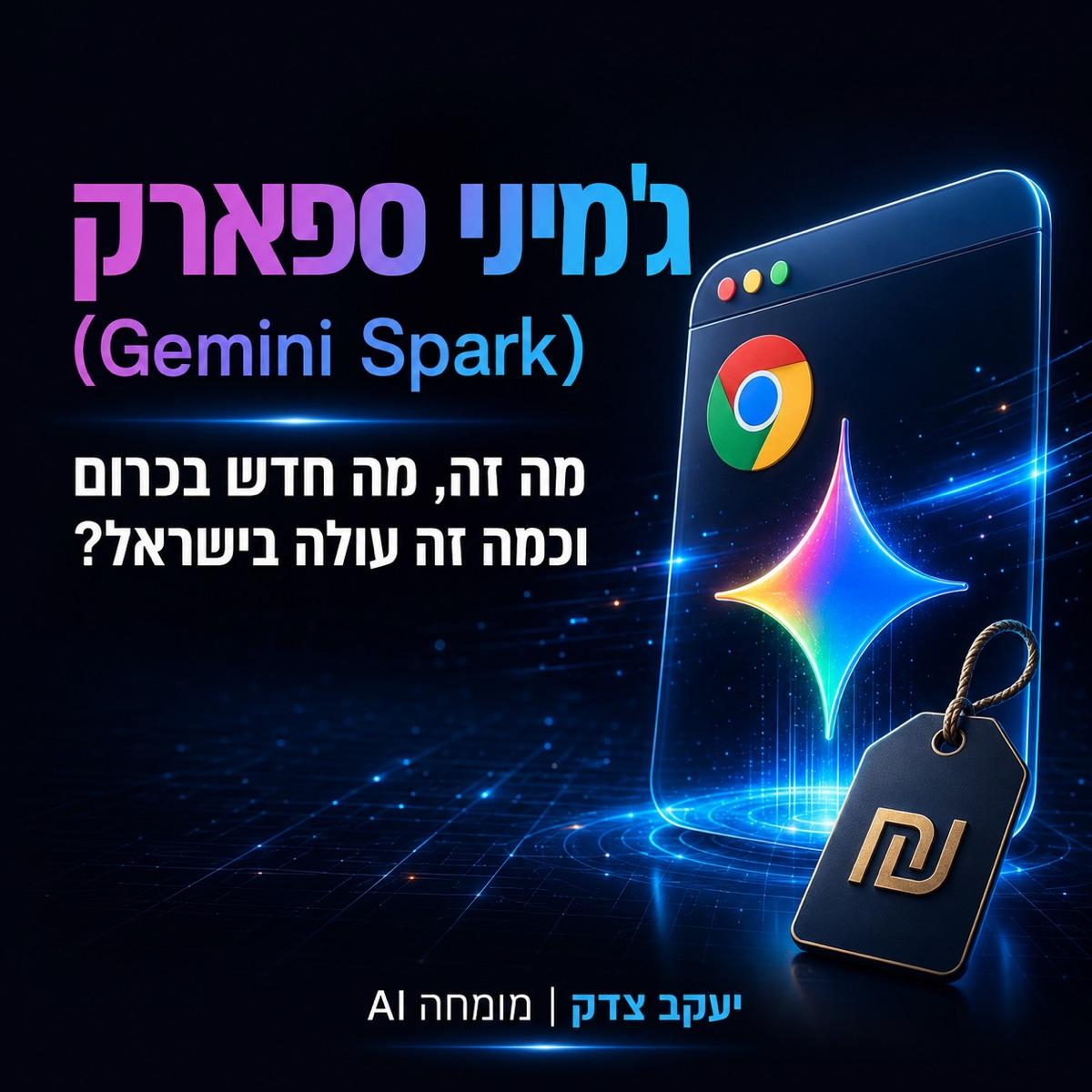
- What it is: A personal AI agent inside the Gemini app that executes multi-step tasks in the background, even when your computer is off and your phone is locked.
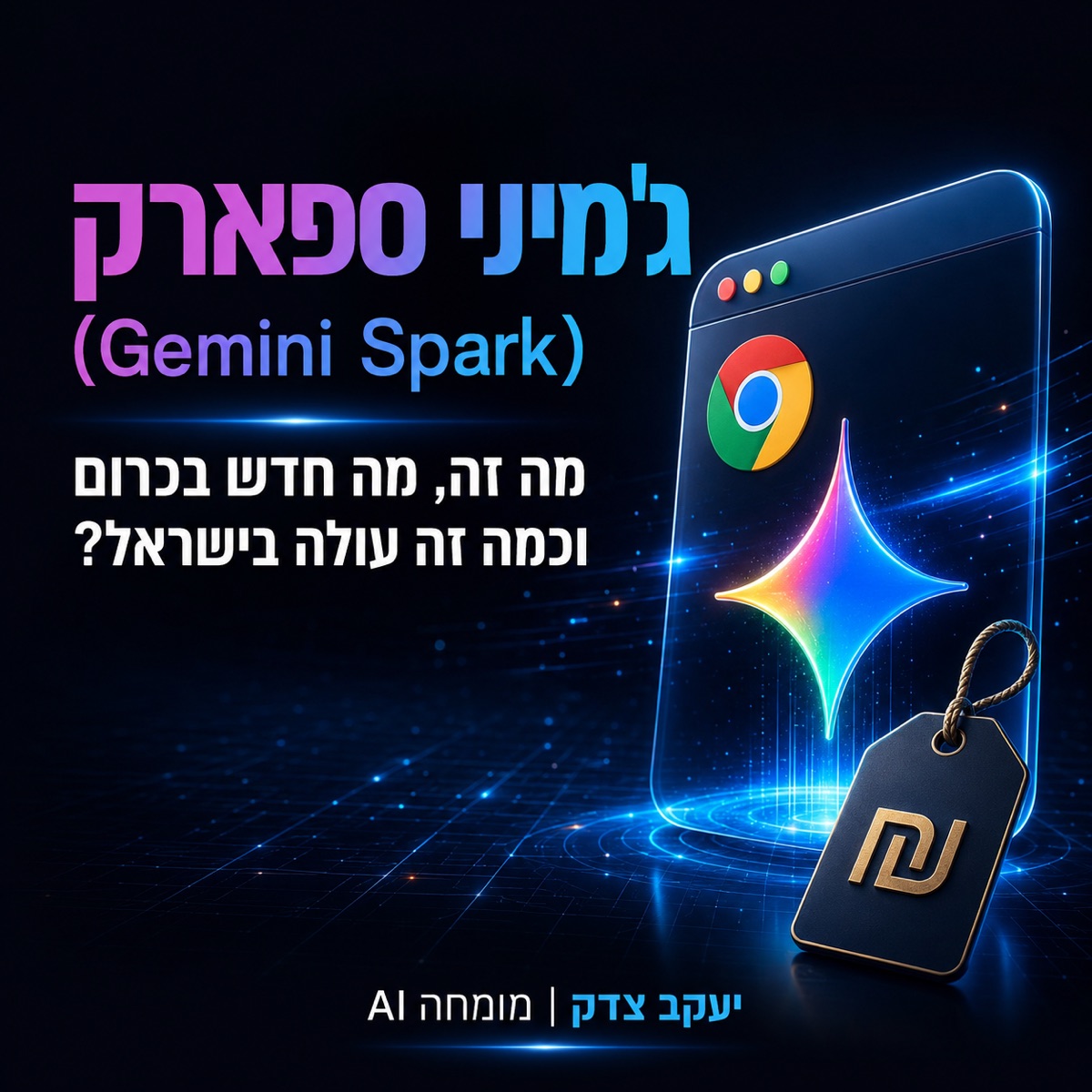
- What's new (July 30, 2026): Spark can now use your own Chrome browser, complete with your connected accounts and saved passwords. The feature is rolling out first in the United States.
- Israel: Spark has opened to Google AI Pro subscribers in more than 160 additional countries, including Israel, at roughly 74.9 ILS per month. Until now it was reserved in Israel for Google AI Ultra subscribers only.
The Gemini app serves more than 900 million users a month across 230 countries, 2.25 times more than the previous year. Spark is Google's attempt to turn that massive base from a question-and-answer tool into an execution layer.
Gemini Spark is Google's personal AI agent: give it a goal in a single sentence, and it breaks that goal into steps and executes them in the background, on cloud machines, even when your computer is off. As of July 30, 2026, it is available in Israel to Google AI Pro subscribers (roughly 74.9 ILS per month), and in the United States it can now operate your own Chrome browser.
In short: the answer in 40 seconds
- What it is: A personal AI agent inside the Gemini app that executes multi-step tasks in the background, even when your computer is off and your phone is locked.
- What's new (July 30, 2026): Spark can now use your own Chrome browser, complete with your connected accounts and saved passwords. The feature is rolling out first in the United States.
- Israel: Spark has opened to Google AI Pro subscribers in more than 160 additional countries, including Israel, at roughly 74.9 ILS per month. Until now it was reserved in Israel for Google AI Ultra subscribers only.
- The main limitation: The interface currently operates in English only, for users aged 18 and older, with a cap of 15 active tasks running in parallel.
- The warning: Google itself classifies the feature as experimental and warns about prompt injection. Human oversight remains the primary line of defense.
What is Gemini Spark?
Definition: Gemini Spark is a personal AI agent inside the Gemini app. You give it a goal phrased in a single sentence, it breaks that goal into steps, and it carries them out on its own: browsing the web, writing in documents, and acting on your inbox.
The difference from a regular chat: in chat you receive an answer; with Spark you receive a completed result. Execution continues in the background even when you are not at your screen. This is precisely the shift I wrote about in the guide giving AI instructions instead of asking it questions: moving from chat agents to process agents.
Spark was first unveiled at Google I/O on May 19, 2026. Google CEO Sundar Pichai introduced it with a line that became the product's slogan: yes, you can close the laptop. The inside joke was a comparison to other agents that require a computer to stay on, as TechCrunch described it. Spark runs on virtual machines in Google's cloud, so it has no dependency on your own hardware.
According to Google, the Gemini app now serves more than 900 million users per month across 230 countries in 70 languages, up from 400 million the year before. Spark is Google's attempt to turn that enormous base from a question-and-answer tool into an execution layer.
What exactly changed on July 30, 2026?
Two updates, both significant: direct integration with the Chrome browser, and an expansion of availability to more than 160 additional countries for Google AI Pro subscribers.
1. Chrome auto browse
Before this update, Spark browsed using a remote browser: a clean browser instance in the cloud that knows nothing about your accounts. The result was that any site requiring a login would stop the task cold.
Now, with your explicit permission, Spark can operate your local Chrome browser, including the accounts you are already signed into and the passwords saved in Google's password manager.
The examples Google itself gives for these kinds of tedious arrangements: scheduling apartment tours you have saved, or checking flight options and starting the booking process.
| Parameter | Remote browser | Chrome auto browse |
|---|---|---|
| Where it runs | A remote machine in Google's cloud | Your Chrome browser on your own computer |
| Account access | Only if you signed in manually during the session | All sites you are already logged into |
| Passwords | Stored as cookies in the remote session | Google's password manager, with your permission |
| Works when computer is off | Yes | No, Chrome must be open on your machine |
| Availability | All supported countries | United States only, at this stage |
| Visual indicator | Remote-computer icon in the task thread | Gemini indicator and auto-browse label in the Chrome toolbar |
2. Expansion to 160+ additional countries, including Israel
At the same time, Google opened Spark to Google AI Pro subscribers in more than 160 additional countries, and Israel is on the list.
This is a meaningful drop in the barrier to entry. Until now in Israel, Spark was available only to Google AI Ultra subscribers, a plan costing roughly 949.9 ILS per month. A Pro subscription at roughly 74.9 ILS per month is now sufficient.
How Spark works: task, schedule, skill
Three concepts make up the entire logic of the system: what you want, when it happens, and how it gets done.
| Concept | What it is | Example |
|---|---|---|
| Task | The high-level goal, a complete project you hand off to Spark | "Plan and manage my business trip to London" |
| Schedule | When the task runs: at a fixed time or in response to an event | "Every day at 8:00 give me an AI news update" |
| Skill | A set of instructions and context for reuse, teaching Spark how to do something | A "travel booking" skill combined with a "writing in Gmail" skill |
Skills are selected in the text field using / or @, and you can also let Spark choose a relevant skill on its own.
Note the distinction: schedules in Spark are a separate mechanism from "scheduled actions" in Gemini chat. This confuses a lot of people: they are two different systems inside the same app.
What tools does Spark have at its disposal?
Spark does not rely on the language model alone. It activates a toolbox that has been growing since the May 2026 launch:
- Connected Apps: Google Workspace and Google Search
- Remote browser with automatic data persistence between sessions
- Remote computer with code execution, for complex computational tasks
- Personal Intelligence: personal context accumulated over time
- Skills and schedules as described above
- Canvas for creating outputs
- Chrome auto browse: the addition from July 30, 2026
Third-party integrations and MCP
On June 30, 2026, Google added support for custom MCP, breaking the dependency on a closed list of integrations. If you have an MCP server for any tool, you can connect it directly. (Not familiar with the protocol? I wrote a full guide: what is MCP in artificial intelligence.)
The same update added built-in integrations with Canva, Dropbox, Instacart, OpenTable, and Zillow Rentals, as well as connections to Google Tasks and Google Keep.
Why this matters for business: MCP support transforms Spark from an agent limited to Google's own world into an agent that can operate against your internal systems: CRM, billing system, database. This is the same protocol layer that connects Claude to enterprise systems, as I showed in the guide connecting AI to business systems.
What can Spark do in Google Workspace?
This is the practical core for most users. According to Google's support documentation, these are the supported actions:
| Service | Available actions |
|---|---|
| Calendar | Checking your calendar, responding to invitations, scheduling events, changing times and locations, canceling events, finding open time slots for multiple attendees |
| Gmail | Searching threads, summarizing correspondence, drafting messages, forwarding and replying, organizing with labels |
| Drive | Searching for files, reading content, checking metadata, renaming and deleting |
| Docs | Creating new documents and editing existing ones: summaries, comments, and editing specific sections |
| Sheets | Building custom spreadsheets with data, tables, and formulas |
| Slides | Creating presentations from a prompt |
Availability and pricing in Israel: what does it actually cost?
Spark is not a separate product to purchase; it is included in a subscription. These are the pricing tiers in Israel as of July 2026:
| Plan | Monthly price in Israel | Spark access |
|---|---|---|
| Free | 0 ILS | No |
| Google AI Plus | roughly 30 ILS | No |
| Google AI Pro | roughly 74.9 ILS | Yes, from July 30, 2026 |
| Google AI Ultra | roughly 949.9 ILS | Yes, from June 2026 |
The Israeli timeline: the local launch took place in mid-June 2026, about a month after the Google I/O announcement, and was restricted at that point to Ultra subscribers only.
Note the quotas: since May 2026, Google has moved to quota calculation based on computational load: prompt complexity, conversation length, features used, and the model in use. Spark tasks are considered heavy workloads, so they consume quota relatively quickly.
What limitations should you know before you start?
Four key limitations, all officially documented by Google:
- English only. The interface and agent activation currently operate in English, even for users in Israel.
- Age 18 or older and a personal Google account. Work or school accounts are not supported at this stage.
- Up to 15 active tasks in parallel. A new schedule will not run if 15 tasks are already running.
- Keep Activity must be enabled in your account.
Security and Privacy: What Does Google Itself Warn About?
This is the section most articles skip, and it is the most critical for business use. Google defines Spark as an experimental feature in early development.
What is prompt injection? An attempt to cause an AI tool to take unintended actions, through malicious instructions hidden inside content: a website, email, document, or file. The instructions are typically invisible to a human but visible to the agent, which may read them as a legitimate directive and act on them.
The scenarios Google explicitly describes: extracting private information from your emails and publishing it on a public site, sending emails to an external service, and exposing insights about you from connected apps.
Existing Protections
- User confirmation before sending communications, modifying data, making purchases, or submitting forms
- "Take control" mode: the agent pauses and hands you the wheel before entering passwords or payment details
- Prohibited task detection according to Google's generative AI usage policies
- Planning transparency: the task workspace displays the plan, progress, and tools in use
- Data deletion: you can delete remote browser data and code-execution data at any time
Three practical warnings from Google: Do not enter login credentials, payment details, or sensitive information directly into the task thread. If you need to, take control of the browser and enter them on the page itself. Avoid scheduling sensitive tasks. And remember: if a scheduled task runs while you are offline, you may not be able to stop an unwanted action.
A concrete illustration of the gap between permissions and actual behavior came from a review by The Verge, also reported in TechRepublic: the reviewer declined a request for contacts access, yet Spark still located family members' email addresses from another context it had access to and inserted them into a draft email.
What Spark Actually Does Well, and Where It Falls Short
A comprehensive field review by TechCrunch from May 2026 tested the agent on real everyday tasks. The picture is balanced: useful, not perfect.
What Worked Well
- Packing list for a day trip: cross-referencing the weather forecast with event details, including a recommendation for a light layer for the evening, an umbrella for light rain, and a warning that dogs are not allowed at the venue
- Weekly newsletter summary: digging through the inbox and producing an annotated article list with context and links, within moments
- Local event discovery: combining a web search with a scan of local newsletters in the inbox, then aggregating results from several scattered sources into a single list
- Deal research: locating items on sale and suggesting coupon combinations
Where It Broke Down
- Small factual errors: one of the recommended coupon codes was simply not valid
- Broken links: referral links that did not reach their destination without an extra click
- Imprecise instruction-following: a request for 5 articles returned 4
- Loose interpretation of frequency: tracking a price drop translated into a check once every two weeks, a cadence unlikely to catch a short-lived sale
- No proactive flagging: when not asked to include prices and dates, it did not bother to note that the information was missing
The practical conclusion: Spark is strong at tasks involving gathering, filtering, and summarizing from multiple sources. It is weak when precise operational accuracy on a single detail is required: a code, a price, a date. Let it do the digging, and verify the bottom line yourself. That is exactly the principle laid out in the guide on how to build an organizational AI process with quality control: the verification step cannot be delegated.
How to Get Started with Spark: A Step-by-Step Guide
- Make sure you have a Google AI Pro or Google AI Ultra subscription on a personal Google account, and that the saved activity setting is enabled.
- Open the Gemini app on mobile or go to
gemini.google.com, then select from the top menu: Tasks, then Spark. - Connect relevant apps under Connected Apps: at minimum Google Workspace, and if needed your own MCP server.
- Write one clear task in English. Define a goal, not a list of steps. The agent is supposed to plan on its own.
- Add scheduling if the task recurs: a fixed time, or an event-based trigger.
- Monitor the task workspace: the Progress, Schedules, Files, and Skills & apps tabs.
- At the end of any session that involved logging into sensitive sites, delete the remote browser data from Spark's settings.
Seven Realistic Business Use Cases for Spark
These are not marketing demos. These are tasks that fit the capabilities proven in practice:
- Daily inbox summary: what needs a reply today, what can wait, what to archive
- Competitor monitoring: scanning blogs and news sites in your space and alerting you to a meaningful change
- Meeting preparation: a briefing document for each meeting on tomorrow's calendar, based on prior correspondence with that client
- Mailing list cleanup: summarizing, archiving, and unsubscribing from irrelevant mailing lists
- Metric tracking: alerting you when a stock, currency, or index crosses a threshold you set
- Expense sheet: building a Sheets spreadsheet from invoice and receipt emails
- Vendor research: a comparison table of vendors by criteria you define, with cited sources
A note for organizations: Spark currently operates only on personal accounts, with no enterprise management tools. If employees connect a personal account to a work device or company files, IT administrators have no visibility into connected servers, shared information, or compliance with internal policies. It is worth formalizing this in a policy before it sorts itself out on its own. If you need a starting point, the guide on what is and is not allowed to be entered into AI tools in an organization is a good place to begin.
How Spark Fits Into the 2026 Agent Market
The key difference between Spark and its competitors is not capability but where execution runs.
- Spark: runs in Google's cloud, requires no machine to stay on, integrates deeply with Workspace and Chrome
- Local agents (in the style of Claude Code or Claude Desktop): deeper control over your local machine and files, but require an active machine and installation
- Commercial personal assistants (in the style of Instinct): you interact via message or phone call with no new interface, but they run in the company's cloud and request broad access to your email, screen, and device
The meeting point is MCP. Once Spark connects to the same MCP servers as other agents, the difference in tool access narrows, and what remains is the difference in runtime environment and the trust you place in the provider. For a full comparison of tools by organizational needs, see Copilot vs. Gemini vs. Claude for organizations.
The Bottom Line
Gemini Spark went, in two and a half months, from a limited launch in the United States to availability in more than 160 countries, from a 949.9 ILS subscription to a 74.9 ILS subscription, and from an anonymous remote browser to control of your own Chrome browser. The adoption pace is outrunning the tool's maturity.
The practical recommendation is therefore simple: start with tasks where a mistake is cheap, summaries, research, monitoring. Do not hand it purchases, client emails, or access to sensitive accounts until you have seen it work correctly ten times in a row.
If you want to implement AI agents in your organization the right way, including defining permission boundaries, building skills, and connecting MCP to internal systems, get in touch. That is exactly what we do.
Sources
- Google official blog: "Gemini Spark now integrates with Chrome", July 30, 2026
- Google official blog: Spark updates for June 2026: macOS, connected apps, and MCP
- Google official blog: Summary of Gemini app announcements at Google I/O 2026
- Google Help Center: Managing tasks and workflows in Gemini Spark
- 9to5Google: Coverage of the Chrome integration and availability expansion, July 30, 2026
- TechCrunch: Spark field review, May 30, 2026
- TechRepublic: Analysis of enterprise and security implications, June 2026
- TGspot, Geektime, and BizPortal: Coverage of availability and pricing in Israel
Frequently asked questions

Yaakov Tzedek
An Israeli AI lecturer, consultant and implementer who has supported 100+ organizations in AI implementation and lectured for 200+. Official content partner of Meta, Google, Canva and TikTok, featured on Israel's Channel 13.
More about Yaakov →