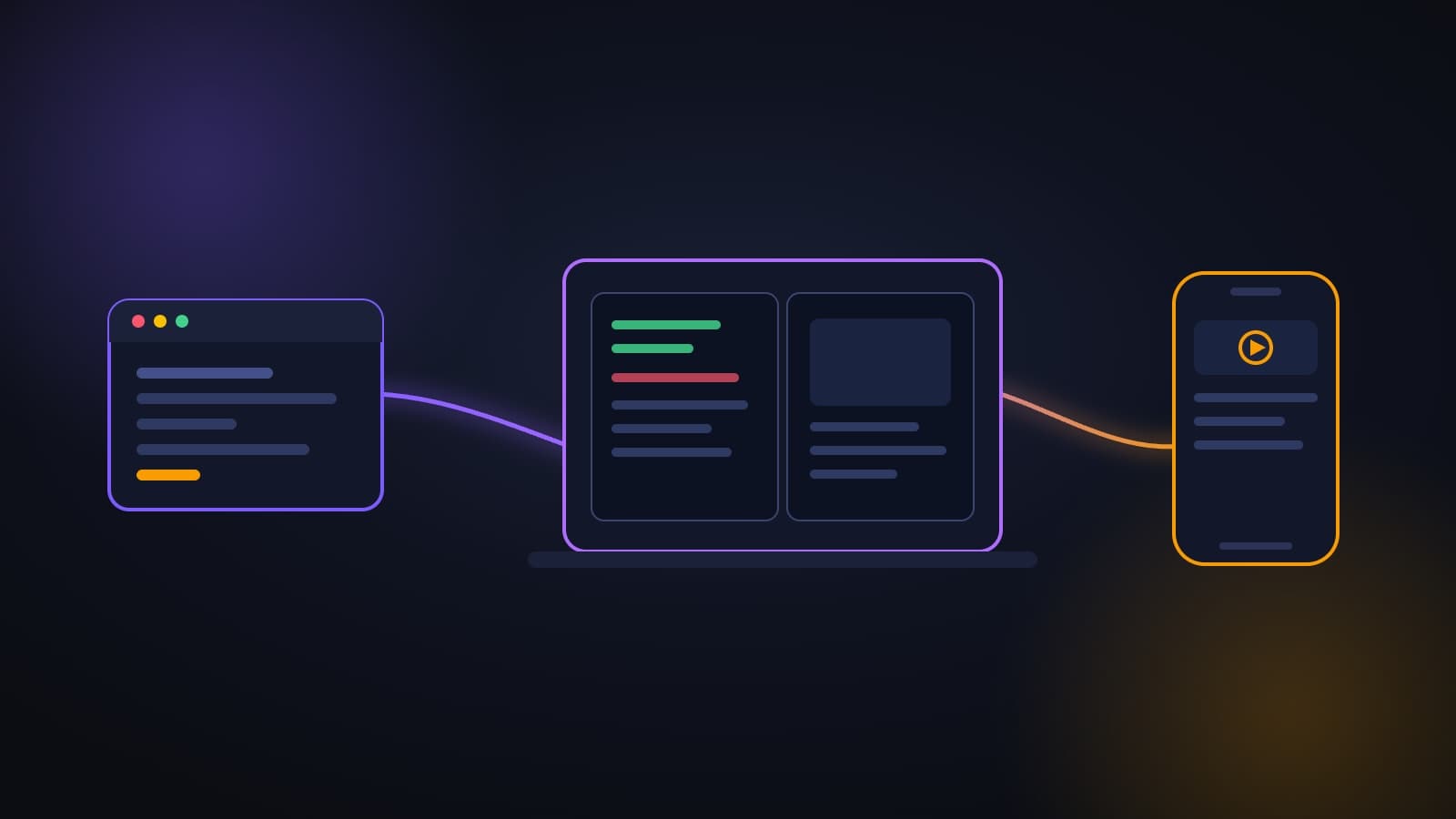
- /resume on desktop: opens any session that started in the terminal and continues it on the same transcript.
- Remote start from your phone: every machine running claude rc appears as a device card at the top of the Code tab in the Claude app.
- Memory for sub-agents: an agent saves what it learned about the project between sessions.
Claude Code's install package dropped from roughly 340 MB to roughly 75 MB, and each session uses 40-70 MB less memory. If you run multiple sessions in parallel on the same machine, you'll feel the difference right away.
Claude Code received a significant update this week, and most of what landed touches a single point: your session is no longer stuck where you started it. You can begin in the terminal and continue on the desktop app, kick off a task from your phone on the way in, and let a sub-agent remember what it learned the last time it ran.
This guide walks through what changed, and more importantly, what it means for daily work and what you can safely ignore.
In short
/resumeon desktop: opens any session that started in the terminal and continues it on the same transcript.- Remote start from your phone: every machine running
claude rcappears as a device card at the top of the Code tab in the Claude app. - Memory for sub-agents: an agent saves what it learned about the project between sessions.
- Restricted mode:
claude --restrictedfor read-only use, no execution, no network. - Install size down by four and 40 to 70 MB less memory per session.
- Cache bug fix that was inflating the cost of long sessions roughly once an hour.
/resume: picking up in the desktop app where the terminal left off
Type /resume in the desktop app and a session picker opens. It lists all your terminal sessions grouped by day, with the directory, branch, and a preview of where you stopped. Pick one and it continues on the same transcript.
Why it matters: the terminal is great for fast work, and the app is better when you want to see code diffs and a live preview side by side. Until now there was only one direction, /desktop, which moves an active session from the terminal to the app. Now there is the reverse direction too, and it works even on sessions you have already closed.
Who benefits most: anyone who starts tasks in the terminal and realizes mid-way that they need a clean diff view. Instead of re-explaining everything, you pick up from the same point.
Starting a session from your phone
This is the change that most affected my own daily workflow. Any machine running claude rc shows up as a device card at the top of the Code tab in the Claude mobile app. Tap the device, choose a folder, and the session opens on that machine, with all the files, MCP servers, and tools configured there.
What this means in practice: you are in a meeting, remember something that needs checking, and kick off the task from your phone. By the time you are back at your desk it is already running. This is not "Claude on your phone", it is a remote control for your own machine, and that distinction matters: everything happens in your actual environment, not in a separate cloud.
Worth noting: the machine needs to be on and connected. If it goes to sleep, it will not appear as an available device.
Persistent memory for sub-agents
Until now, a sub-agent started every session from scratch and had to re-learn the same things about your codebase. Now you add one line at the top of its definition file:
---
name: code-reviewer
description: Reviews code for quality and best practices
memory: user
---
The value can be project, user, or local, and the agent gets its own folder under .claude/agent-memory/. It reads from that folder when it starts and writes to it during the session.
Where this actually helps: a code-review agent that accumulates knowledge about the recurring patterns and issues in your project gets better week over week. Same goes for an agent that knows your writing conventions or your database schema.
A practical tip: write an explicit instruction inside the agent definition telling it to update its memory during the session. Without that it will read from the memory folder but not necessarily write back to it. If you want to go deeper on building agents like this, I wrote a full guide on building a dedicated Telegram agent in Claude Code.
Restricted mode: analysis without execution
Running claude --restricted creates a session in which Claude cannot execute commands, run code, or access the internet. File tools are limited to the working directory, and user and project settings are ignored entirely.
Who it is for: shared machines, automated testing environments, and any situation where you want Claude to read and analyze without any possibility of changing anything.
Why it matters for organizations: this is the practical answer to a question I get in almost every organizational workshop: "how do we let someone try the tool without giving them full permissions." There is now a single flag that answers that. For teams building a formal usage policy, the framework is in the AI policy guide for organizations.
Cost improvements: two things that go straight to the bill
One-hour prompt cache. Against an API key or cloud provider, the promptCacheTtl setting extends the main conversation cache lifetime from five minutes to sixty. Coming back to work after a break no longer starts from a cold cache, meaning you do not pay again for all that context.
Fix for the hourly cache miss. There was a bug where, after an auth token refresh, tool configurations were rebuilt and the next request missed the cache, roughly once an hour. In long sessions this added up to real money, and it is now fixed.
A new cost-analysis skill: the /claude-api cost-optimize command runs against a project that calls the Claude API, measures what you are spending today, then walks through changes one at a time, covering caching, request batching, effort level, and model selection, measuring after each change before moving to the next. This one-change-then-measure approach is exactly what separates real optimization from guesswork.
Small improvements that add up
| What | Why it matters |
|---|---|
| Claude writes the bug report for you | When something breaks it prepares a report with all the details, you just confirm in feedback/ |
Edit auto-approve rules from permissions/ | A new tab with all permission rules, instead of editing JSON by hand |
loop/ appears in usage/ | Every scheduled task gets a row showing how many times it ran and how many tokens it consumed |
cd/ applies settings immediately | Switching to a different directory instantly loads its settings, hooks, MCP servers, and agents |
| Sub-agent reports when it runs out of tokens | Returns what it has, marked as partial, so you can continue it rather than assume it finished |
color/ and rename/ | A color and name for each session, saved in both --resume and claude.ai/code |
The /color and /rename commands sound minor and they are not. Anyone running several sessions in parallel knows the moment when they become indistinguishable. A color and a name solve that in two seconds.
Two workflows worth adopting immediately
The update included two approaches shared by Anthropic engineers themselves, and both are immediately usable:
A recap skill for many parallel sessions. One engineer described losing track above eight concurrent sessions, so he built a skill that tells Claude to first refresh everything that might be stale, then report four things: the goal in the words of the person who asked, where things actually stand and what the evidence is (passing tests are not proof the feature works), what is blocked on a human versus what is blocked technically, and a list of next steps with each one marked as belonging to the engineer or to Claude. And during the summary, it is not allowed to start new work.
A sub-agent that challenges the code before you read it. Another engineer described a practice of, before looking at a change Claude wrote, asking a sub-agent to attack it: critique the change adversarially for correctness and simplicity, then write out the assumptions and design decisions and why. The sub-agent never saw the conversation, so it does not carry its blind spots. This is, in my view, the strongest insight in the entire update, and it applies well beyond code: the person doing the review should be the person who did not build the thing.
Bug fixes
- Desktop sessions disappearing after 30 days. Transcript cleanup was deleting sessions the app still showed as available. They now remain accessible for opening and for
/resume. - Startup crash on Linux. Versions 2.1.242 and 2.1.243 crashed on startup on distributions with glibc 2.44 (Arch, CachyOS, Fedora Rawhide). Fixed in 2.1.245.
What this means for your organization
Three things, in order of importance:
- Restricted mode opens a door that was closed. Organizations that were hesitant to give broad access can now start with read-and-analyze only and expand gradually. This is a much easier starting point to get approved.
- Sub-agent memory turns automation into a cumulative asset. An agent that remembers the project improves over time instead of resetting. That is the difference between a tool and an employee who learns.
- Cost savings that require nothing from you. The cache fix and the extended cache simply make long sessions cheaper, and the effect is most noticeable for the heaviest users.
If you want to see how to work with this tool in practice, I wrote a beginner's guide and a separate guide on Claude Code for businesses. And if you get stuck, there is a full troubleshooting guide.
A more recent update: what has landed since then, including custom modes and Opus 5.5 as the default, is covered in the Claude Code October 2026 update.
Frequently asked questions
Do I need to update manually?
To get /resume in the desktop app you need to update to the latest version. In the terminal the update is usually automatic.
Does starting a session from my phone cost extra? No. It is a remote control for your own machine, and usage is counted the same way as usual.
Does sub-agent memory get committed to Git?
It depends on the value you chose: project is saved in the project and can be shared, user is personal, and local stays on the machine. For a team, project is usually the right choice, as long as it contains no sensitive information.
Which is better, the terminal or the app? Both, and that is exactly the point of this update. The terminal for speed, the app when you want to see diffs and a live preview. The transition between them is now bidirectional.
The bottom line
This update does not add one dramatic capability, it removes friction in many places at once. Sessions move between devices, agents remember, installation is lighter, and the bill is lower. If you use Claude Code regularly, it is worth updating today and trying two things: /resume in the app, and a memory line in one of your sub-agents.
Want to learn to work with Claude Code in depth, for your organization or for yourself? There is a Claude Code workshop for organizations, and for those who prefer one-on-one, a private lesson.
Sources
Frequently asked questions

Yaakov Tzedek
An Israeli AI lecturer, consultant and implementer who has supported 100+ organizations in AI implementation and lectured for 200+. Official content partner of Meta, Google, Canva and TikTok, featured on Israel's Channel 13.
More about Yaakov →