- A practical guide to Claude Code: how to assign tasks, useful commands, working with files and projects, Skills, MCP, and tips to get the most out of it.
Claude Code doesn't just write code. It reads your entire project, runs commands, fixes bugs, and writes tests. You can assign tasks to it in plain natural language.
To work with Claude Code, you simply write what you want in natural language, and it reads the files, completes the task, and shows you what changed. Once you have it installed (see the installation guide), this is the guide that will teach you how to get the most out of it, even without a deep programming background.
How do you give Claude Code a task?
Write your request in natural language, and Claude reads the relevant files before it acts. Hebrew works fine.
- "Explain what this file does"
- "Add a share button to the article page"
- "Find out why the form isn't submitting and fix it"
Claude shows you every change before and after, and you can ask it to explain each step.
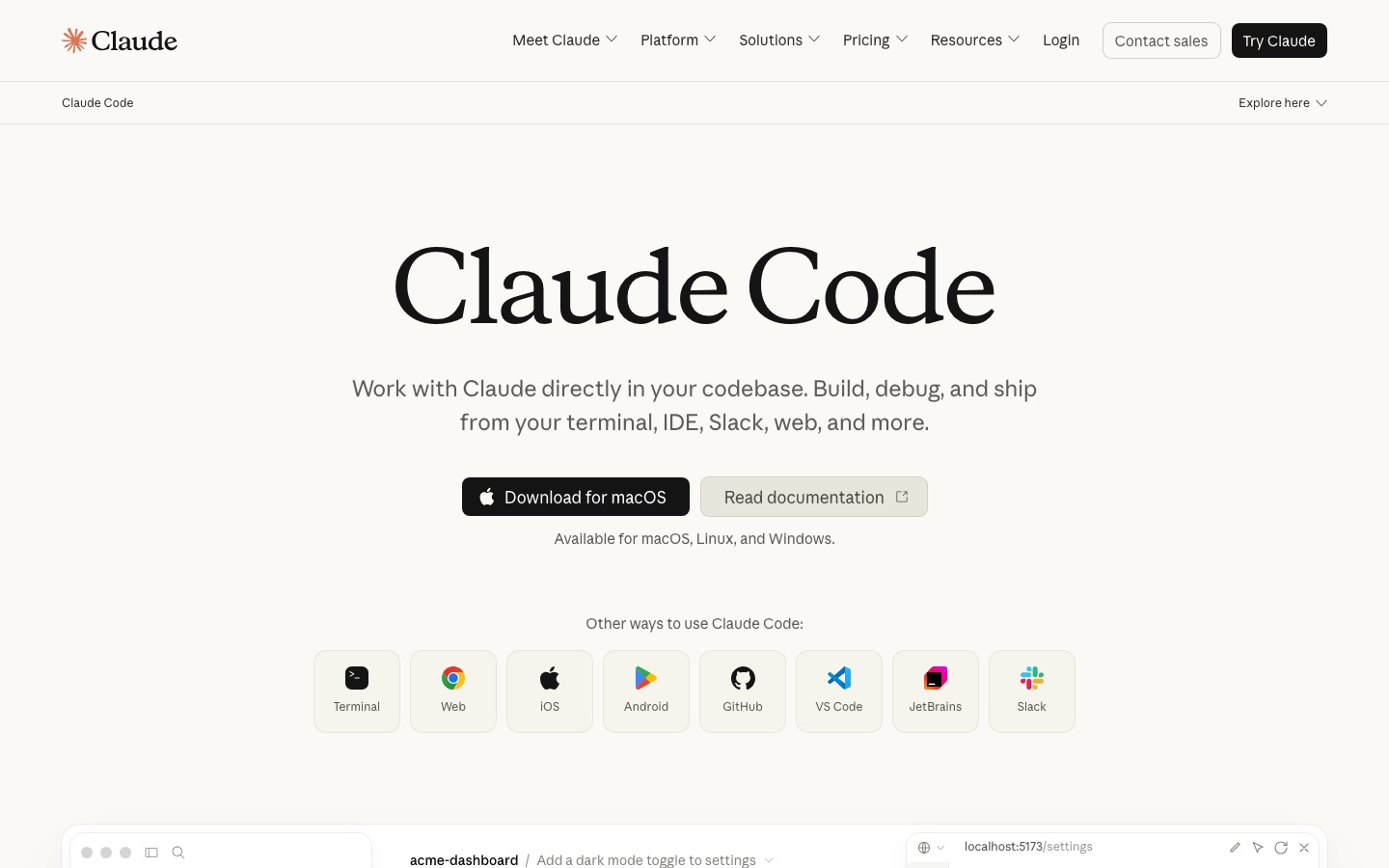 The official Claude Code website, captured in September 2026. Credit: Claude Code
Useful commands worth knowing
Alongside natural-language requests, there are commands (starting with /) that speed up your workflow:
/clear, clears the context and starts a fresh conversation./compact, compresses the history to save context without losing the thread./init, scans the project and builds an instructions file (CLAUDE.md) that teaches Claude about your codebase.
Working with files and projects
The big difference from a regular chat: Claude Code is connected to your project folder. It reads files, edits them, and runs commands in the terminal. To work effectively:
- Run it from inside the relevant project folder.
- Be specific: "Fix the bug on line 42 in file X" beats "something isn't working".
- Ask it to verify: "Run the tests and confirm everything works".
Supercharging with Skills and MCP
This is where Claude Code goes from assistant to agent:
- Skills: reusable playbooks that teach it how you want things done. See the Claude Skills guide.
- MCP: connects it to external tools and data sources (Gmail, databases, documents). See what is MCP.
Want a wild example? You can even connect Claude Code to WhatsApp and control it from your phone.
Tips for getting the most out of it
- One clear task at a time: fewer back-and-forth rounds, better results.
- Give it context: a CLAUDE.md file with your project rules makes a big difference in output quality.
- Ask for verification: have it run the app or the tests and confirm the change actually works.
- Use
/compactinstead of/clearin the middle of a task, it preserves the thread.
Next steps
Now that you know how to use the tool, it's worth going deeper: read the complete Claude Code guide, add useful Skills, and connect tools via MCP. Everything is gathered in the central Hebrew guide to Claude.
Want to learn on your own, step by step? The free Claude Code course takes you from installation all the way to agents and automations. Want your team to actually work with Claude Code? Talk to us about a Claude Code workshop for organizations. And if you work in Hebrew, see how to enable right-to-left (RTL) Hebrew in Claude everywhere.
Frequently asked questions

Yaakov Tzedek
An Israeli AI lecturer, consultant and implementer who has supported 100+ organizations in AI implementation and lectured for 200+. Official content partner of Meta, Google, Canva and TikTok, featured on Israel's Channel 13.
More about Yaakov →