- On November 19, 2026, Google added Computer Use to the Gemini Mac app: Gemini clicks, types, and fills forms in apps and websites in a background window while you keep working. Who has access, how it works, Israel status, and what to do now.
Gemini does not take over your screen. According to Google, it works in an isolated background window with a live preview inside the chat, so your mouse and main display stay free, even in the middle of a video call.
Gemini is now filling out forms on your Mac for you. It does it in a separate window, while you keep working. And that's not even the important part.
On November 19, 2026, Google added a capability called Computer Use to the Gemini app for Mac: you describe a task in plain words, and Gemini handles the clicks, the typing, the menus and the forms itself, across local files, apps and websites. The important part is the direction: the three big companies are no longer competing over who answers better, but over who actually does the work.
In short:
- What happened: Gemini for Mac can work on your computer for you, in an isolated background window with a live view inside the chat.
- Who it's for: Currently English and United States only, for Google AI Plus, Pro and Ultra subscribers with an Apple Silicon Mac.
- What to do: Even if you're in Israel, now is the time to write down three recurring tasks you do on your computer and test them on an AI agent that's already available to you.
What exactly can Gemini do on a Mac?
According to the official announcement on Google's blog, Computer Use "helps complete multi-step tasks across your local files, desktop apps and the web." You describe what you need, and Gemini handles the clicks, the typing, the menus and the forms.
The examples Google itself gives are very down-to-earth, and that's exactly the point: color-processing a batch of photos, pulling weights, measurements and addresses out of PDFs and entering them into a shipping quote form, turning data from a live dashboard into a Google Slides presentation, and creating sale listings from a folder of clothing photos. According to SiliconANGLE, Gemini finds the right local app for the task on its own, builds a work plan and executes it step by step, across tasks that involve dozens of actions.
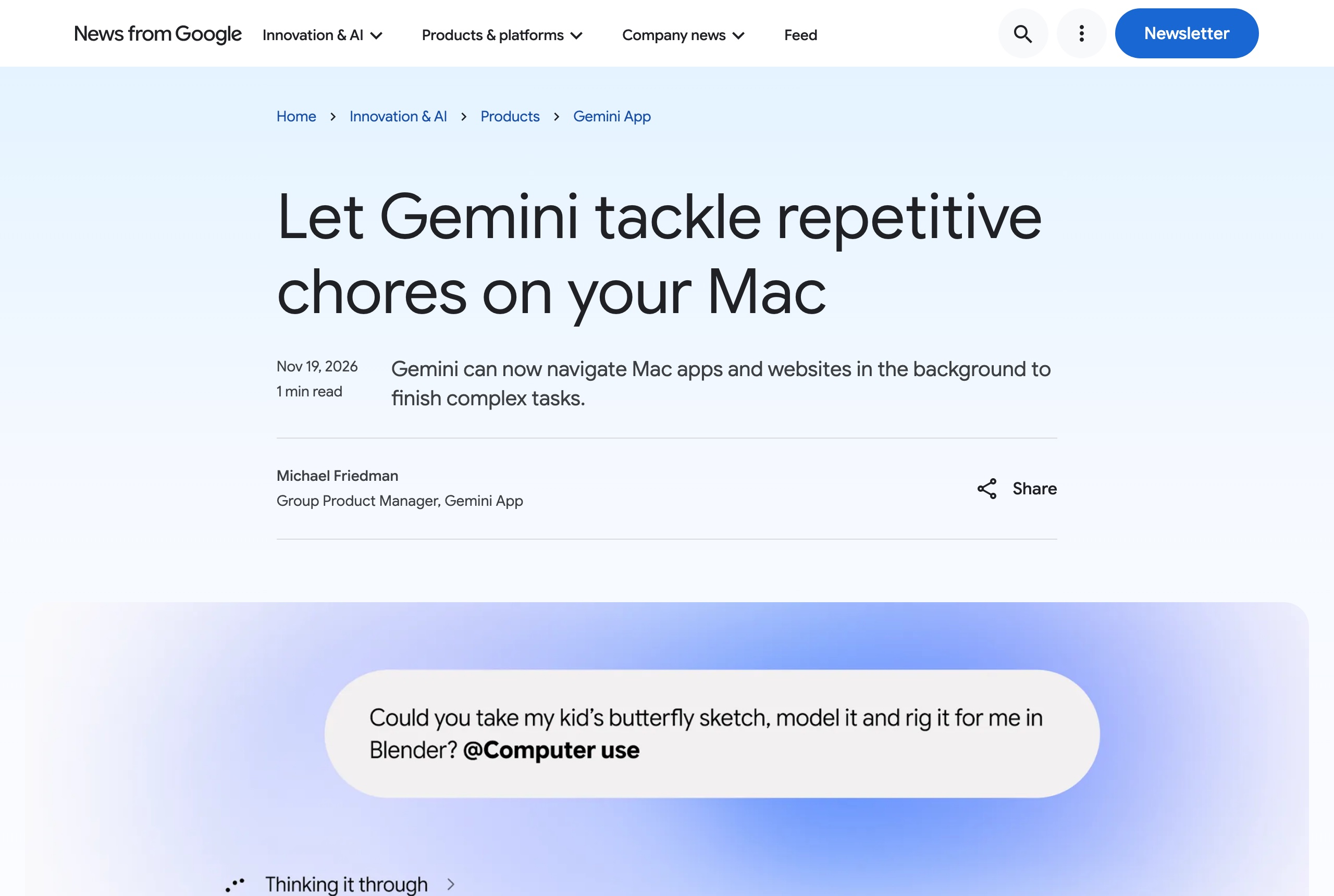 Screenshot: the official Computer Use announcement on Google's blog (blog.google), November 19, 2026.
How is this different from agents we already know?
The most striking difference is where the work happens. According to Google, Gemini works "inside an isolated background window with a live view inside the chat," and your main screen and mouse stay free: you keep typing, designing or talking on the phone. This is not an agent that takes over your computer for half an hour.
On the other hand, it runs on your Mac. SiliconANGLE compares it to ChatGPT's dots and Meta's Muse agent, which run on a virtual machine in the cloud even when your computer is off, and estimates that Google will want to close that gap. That is the article's assessment, not a Google announcement. For OpenAI's approach, we covered it in the guide to ChatGPT dots.
How much control do you keep?
According to Google: you choose which apps Gemini has access to, you watch every step in real time, you can stop at any moment, and you approve "key actions" before they happen.
Note the word "key." That is not approval for every single click, so the decision about what it's allowed to do on its own is yours. The rule that works with any agent: start with tasks that produce a draft rather than send, pay or delete anything. We laid it out in the draft rule for working with AI agents.
Who has access, and what about Israel?
According to the footnotes in Google's announcement, the conditions are:
- Country and language: Rolling out in English in the United States only.
- Computer: A Mac with an Apple chip (Apple Silicon) and macOS Sequoia 15.0 or later.
- Account: A personal Google account, age 18 or older. The announcement does not mention organizational Workspace accounts.
- Subscription: Google AI Plus, Pro or Ultra. No free tier.
You activate it by typing @Computer use inside your request, as shown in Google's screenshot. The Gemini app for Mac itself has been available worldwide since April 2026, but Computer Use is a separate layer, and Google has not published a date for expanding it to Israel.
What does this mean for you, and what to do this week?
If you're in Israel (most readers): Don't wait for Gemini. Agents that work on your files and apps are already available, for example Claude Cowork and Perplexity Computer running locally on Mac. Write down three tasks you do every week manually: copying data from a PDF into a form, preparing a recurring report, filling in details in a system. Pick one and run it on an agent available to you now, as a draft only.
If you have a US account and an AI Plus subscription or higher: Start with a task that's easy to verify, like pulling data from documents into a spreadsheet. Grant access only to the apps the task requires, and watch the first steps in the live view before switching to other work.
If you manage a team: Now is the time to set a policy before your employees set it themselves. Which apps the agent is allowed to access, what it may send on its own, and who reviews the output. More on Gemini in general in the complete Gemini guide, and on the model launched this week in the article on Gemini 4 Neon.
Also today in the leading tools
ChatGPT: live dictation for everyone, no 10-minute limit
On November 18, 2026, OpenAI began rolling out Live Dictation in ChatGPT. The official ChatGPT account stated that with Live Dictation "your speech becomes text as you speak," so you don't wait for transcription at the end of the recording. According to reports, it is coming to all plans, including the free one, on web, the desktop app, iOS and Android, and the 10-minute recording limit has been removed. After recording you can edit the text before sending.
The practical takeaway: longer recordings open ChatGPT up for "thinking out loud," for example talking through a project for fifteen minutes and asking it to organize that into a plan. OpenAI has not published which languages are supported, so test for yourself how it handles Hebrew. If you don't want your recordings used to improve the model, you can turn that off in the data controls in settings. Source: Digital Trends with the ChatGPT announcement.
ChatGPT gets a new mobile design, with a tab for your dot
On November 19, 2026, Tibo Sottiau, one of the leads on Codex and ChatGPT at OpenAI, wrote that the company is working on a new mobile experience. According to Digital Trends, the bottom bar includes a home button, a dedicated tab for your dot and a tools grid (projects, images, scheduled tasks, Codex and more), and you can pin a tool to the bar with a long press.
It's starting with Pro subscribers who have a dot or are eligible to create one, and with a small group of Plus subscribers, and not in the European Union, the UK, Switzerland or South Korea. If the option "New ChatGPT Design" appears in your settings, you can turn it on or off there. The direction is clear: the agent moves from a side screen to the center of the app. Source: Digital Trends on the new design. For the new OpenAI models this week, see the guide to GPT-6.2 Astra and Sol.
Want to put Gemini to work on your actual work?
An agent that works on your computer only saves time if you know how to describe a task clearly and check what it returns. The Gemini video course in Hebrew includes 54 short lessons: research, emails, documents, personal assistant and working with Google's tools, step by step, no technical background required.
Sources: Google's announcement of Computer Use on Mac, SiliconANGLE on the launch, Digital Trends on Live Dictation, Digital Trends on ChatGPT's new design.
Frequently asked questions

Yaakov Tzedek
An Israeli AI lecturer, consultant and implementer who has supported 100+ organizations in AI implementation and lectured for 200+. Official content partner of Meta, Google, Canva and TikTok, featured on Israel's Channel 13.
More about Yaakov →