- Your org blocked ChatGPT and Gemini and left you with Microsoft Copilot only? This guide shows you how to turn the one tool you have into a real daily assistant: core principles, power scenarios in Outlook, Word, Excel and Teams, prompts that actually work, and what to do about everything Copilot can't solve.
Copilot's most underrated advantage is actually a byproduct of its limitation: because it lives inside your organization's Microsoft ecosystem, it can see your emails, files and meetings, context that an external tool like ChatGPT will never have. The only question is whether you're using that.
This week, someone posted in a large AI group: she works at a massive Israeli corporation, their IT security team blocked everything, and all that's left is Copilot. If that sounds familiar, this guide is for you. No complaining about what's missing. We're going to get the absolute most out of what's there. For the broader discussion, why blanket blocking is a mistake and what organizations should do instead, we've put that together in a separate guide for managers.
In short: Microsoft Copilot in an enterprise environment is far more powerful than most employees ever make it, thanks to one advantage no external tool can match: access to your organizational context. The secret is working with it where it's strong, using full prompts, and addressing the gaps through a proper process rather than workarounds.
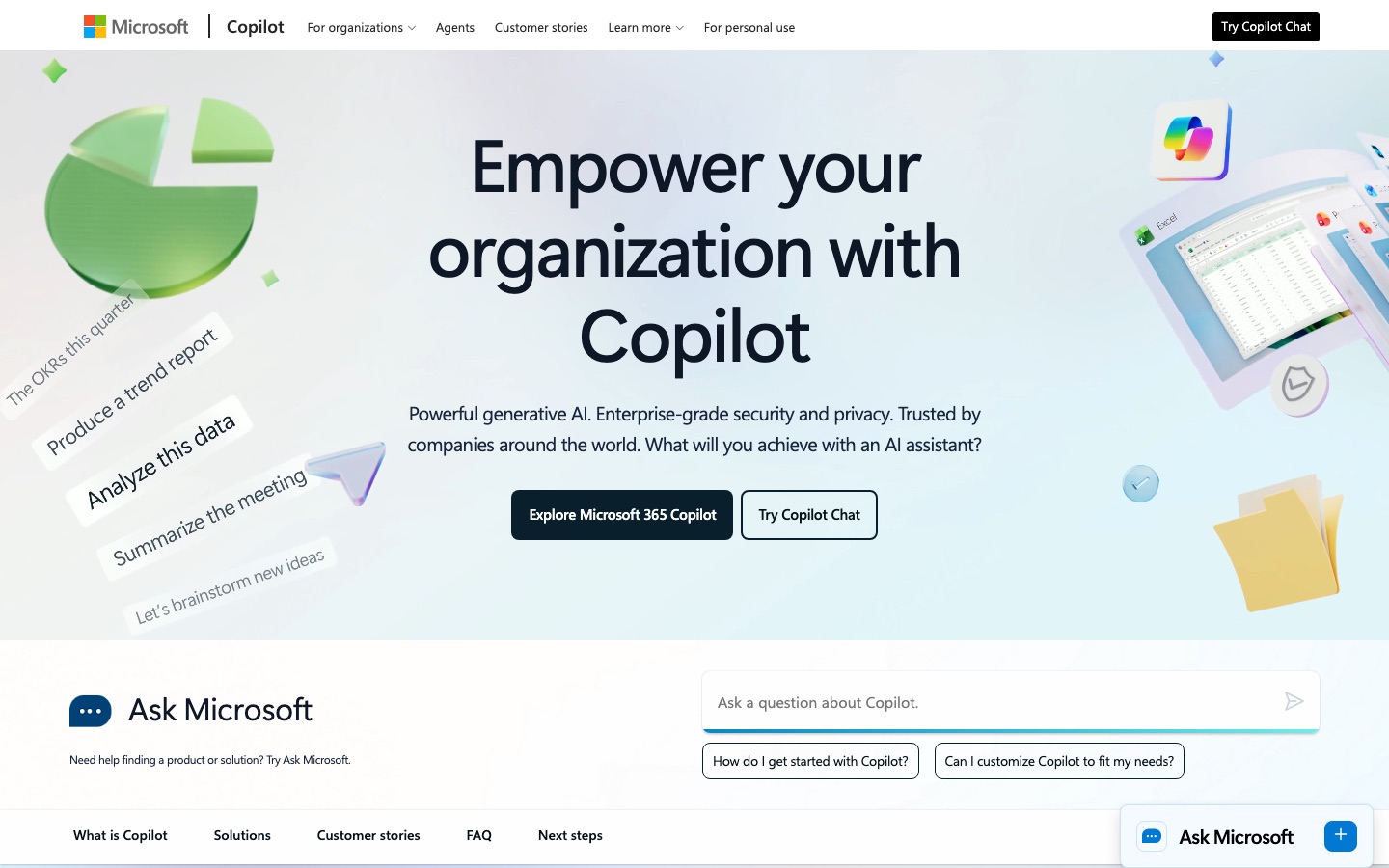 Copilot for organizations. Microsoft's official website, photographed September 2026. Credit: Microsoft
The advantage no external tool has
Before the tactics, one mindset shift: Copilot sees what ChatGPT will never see, your emails, your files, your calendar, your meetings. An external tool only gets what you paste into it; Copilot lives inside the context. Employees who treat it like "a weaker ChatGPT" are missing the point entirely. It's a different tool with a different superpower.
The four scenarios where Copilot wins
1. Outlook: a 40-email thread turned into three lines. "Summarize this thread: what was decided, what's still open, and what's waiting on me." This is the highest effort-to-value scenario that exists, and most employees never touch it.
2. Word: a draft built on your own materials. Instead of "write me a procedure," give it your two previous procedures as reference: "Write a draft procedure for topic X, using the same structure and style as these two documents." The difference in output is enormous.
3. Excel: analysis without formulas. "Find outliers in the amounts column," "summarize the table by month and client," "create a calculated column showing percentage change." People who don't live and breathe formulas get a real analytical assistant here.
4. Teams: a meeting that summarizes itself. Automatic summaries with task assignments for each participant. If your organization has enabled this feature and you're not using it, you're leaving the easiest time savings on the table.
The three habits that change the quality of your answers
Most Copilot disappointments are really single-line-prompt disappointments. Three habits fix that:
- Full context in every request: who the audience is, what the goal is, what format you want, how long the output should be. A good request reads like a briefing for a new employee, not a Google search.
- Short iterations: instead of one enormous request, start with the first ask and then follow with "now sharpen X," "shorten the section on Y." Gradual improvement beats trying to write the perfect prompt upfront.
- Anchor to specific materials: always tie your request to a specific file, email, or meeting. General questions are exactly where Copilot is weakest.
And what about everything Copilot doesn't solve?
Let's be honest: there is a gap. Deep research conversations, high-level writing, building tools and automations, those are areas where other tools are stronger. And the temptation is to open ChatGPT on your personal phone.
Don't do that. Not because of compliance, but because that's the surest way to keep things stuck. The approach that actually works is bringing the organization a solution, not a problem: a policy that defines which tools are approved for what, a data-cleaning tool that strips sensitive information from documents before working with AI (such as BalmasAI, which lets you start free with 10 documents a month and show your security team what a safe process actually looks like), and practical training for the team. We've laid out the full process in the guide for managers and in the guide on working with sensitive documents.
Turning the constraint into an advantage
Organizations I work with on Microsoft ecosystem adoption discover something surprising: a team that has truly maxed out Copilot arrives better prepared for the next phase of AI adoption than a team that jumped between ten different tools. If that's where you are, we offer a dedicated Copilot training program for organizations, and for the bigger picture, a hands-on AI workshop that builds out the entire working methodology. And anyone who wants to see what it looks like when there are no constraints is welcome at the live intro session for Claude Code on September 16.
Frequently asked questions

Yaakov Tzedek
An Israeli AI lecturer, consultant and implementer who has supported 100+ organizations in AI implementation and lectured for 200+. Official content partner of Meta, Google, Canva and TikTok, featured on Israel's Channel 13.
More about Yaakov →