
- How non-technical businesses use Claude Code to build automations, reports, and internal tools in hours: when it's worth it, how to start safely, and which mistakes to avoid.
Small businesses using Claude Code are building internal tools and automations that used to require a dedicated developer, often in just a few hours, without writing a single line of code themselves.
Claude Code was built for developers, but today non-technical business owners are using it to build automations, process data, and create internal tools, without writing a single line of code themselves. Here is how a small or mid-sized business can put it to work, and when it actually makes sense.
The idea: describe what you need, don't program it
Claude Code takes a plain-language description of what you want to accomplish, "sort all the Excel files in this folder by client," and executes. You don't need to know how to code; you need to know what you want.
New to the tool? Start with Claude Code for Beginners and How to Install Claude Code. Want the full picture? See The Complete Claude Code Guide and Claude Code in Hebrew.
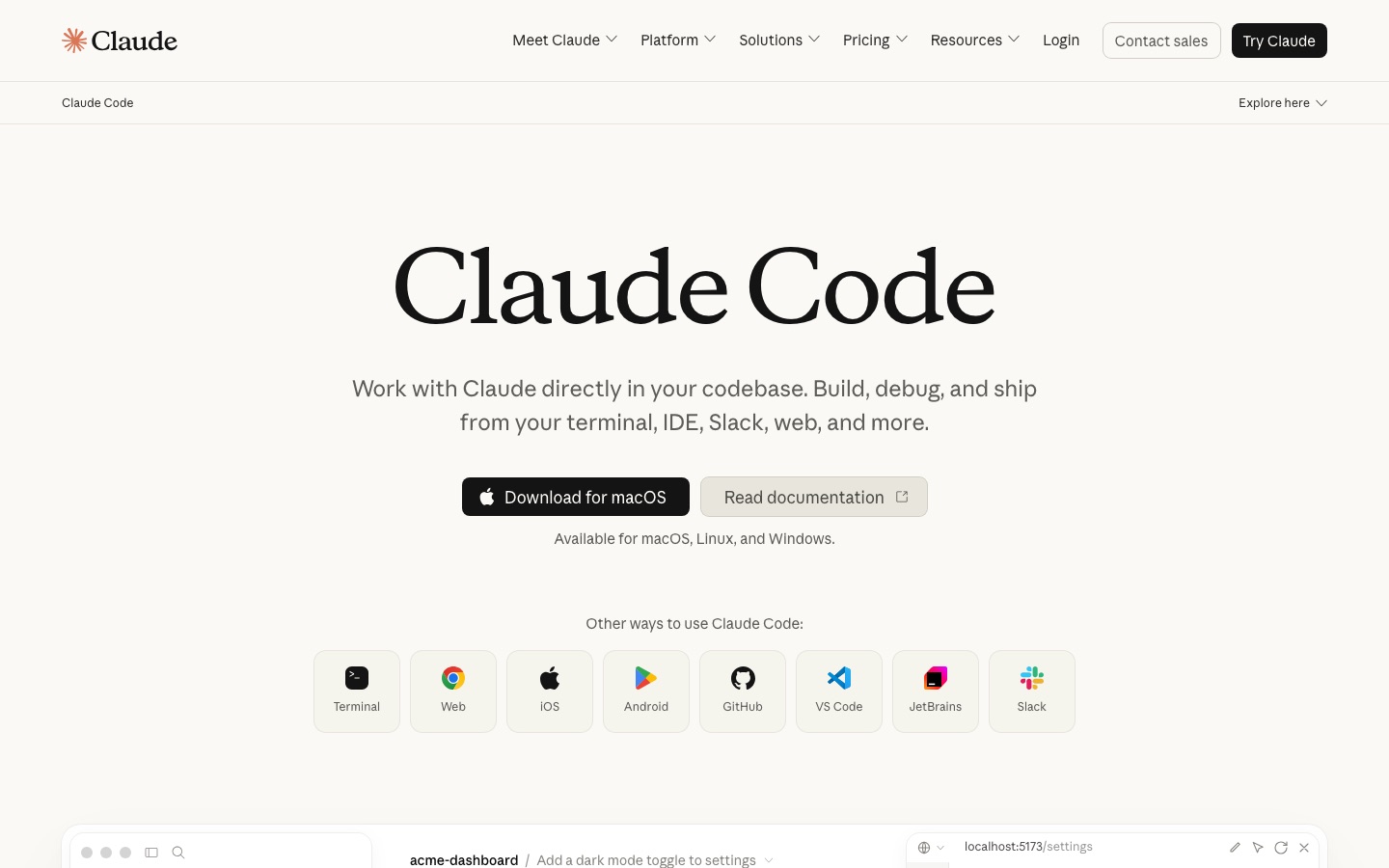 The official Claude Code website, captured in September 2026. Credit: Claude Code
What a business can build: examples
- Data processing and organization: clean, merge, and summarize spreadsheets and files in bulk.
- Cross-system automations: connect email, databases, and tools via MCP; a thorough explanation of the protocol is available in the MCP Guide in Hebrew.
- Automated reports: generate a recurring summary from raw data.
- Small internal tools: a form, a calculator, a simple dashboard for the team.
- SEO tasks: see Claude Code for SEO.
- Full websites: for example, building a WordPress site; see WordPress with Claude Code.
- Skills and advanced automations: see 20 Must-Have Claude Code Skills and What's New in Lovable.
When it makes sense, and when it doesn't
The sweet spot: recurring tasks that never justified hiring a developer. If something repeats every week and eats up hours of manual work, it's an excellent candidate.
It doesn't make sense when the task is one-off and simple (just do it manually), or when you're dealing with a critical, complex system (that calls for professional development). Everything in between is where Claude Code shines.
How to start: small and safely
- Pick one recurring task that annoys you when you do it manually.
- Describe it clearly to Claude Code and watch it work step by step.
- Start in an isolated environment or in read-only mode, without touching production.
- Approve sensitive actions manually, and expand permissions as trust builds.
Security for businesses
Don't connect the tool directly to critical systems without oversight, and anchor your usage in a written AI policy. The caution required here is the same as for any AI implementation.
Common mistakes businesses make at the start
- Starting with a task that's too big. "Build me a CRM" is not a starting point. "Summarize the weekly leads file into a single table" is. A small first win builds confidence and teaches you how to phrase requests.
- A vague description of the goal. Claude Code executes what you described, not what you meant. Specify the input, the desired output, and give one real example.
- Connecting straight to production. Work first on a copy of the data or in read-only permissions, and only after you've verified the results should you grant broader access.
- Not testing the output on real data. An automation that worked on a small sample can fail on a real, messy file. Run it on an actual case and check the output manually before you trust it.
- Giving up after the first unsuccessful attempt. In most cases the problem is in the phrasing, not the tool. Sharpen the prompt and try again. If you'd prefer to learn this with guidance, there's a private lesson or AI workshops for teams.
The bottom line
Claude Code for business isn't about "becoming a software company." It's about eliminating repetitive manual work with a tool that understands human language. Start with one task, measure the time saved, and expand from there.
Want help identifying and building your most valuable automations? See AI Implementation and Automations, AI Consulting, or talk to us.
Frequently asked questions

Yaakov Tzedek
An Israeli AI lecturer, consultant and implementer who has supported 100+ organizations in AI implementation and lectured for 200+. Official content partner of Meta, Google, Canva and TikTok, featured on Israel's Channel 13.
More about Yaakov →