- Consistency: Claude performs the task the same way every time, according to your standard.
- Time savings: No need to re-explain context and rules at the start of every conversation.
- Organizational knowledge: You can encode your team's working methods into a shared Skill.
A Skill is simply a folder containing a SKILL.md file, a plain text file written in Hebrew or English. You do not need to know how to code to build your first Skill.
Update, October 6, 2026: We have updated the installation path in the interface. The address
claude.com/pluginsdoes not appear in the official documentation; the documented method is the Customize > Skills page, including uploading a ZIP file.
Claude Skills let you teach Claude to work exactly the way you do, without writing a single line of code. A Skill is a package of knowledge and instructions that Claude loads automatically when relevant, so instead of repeating the same instructions at the start of every conversation, it simply already knows.
What Is a Skill?
A Skill is a folder containing one central file called SKILL.md, a plain-text file written in natural language. It can also include templates, examples, and reference files. When your task matches the Skill's description, Claude loads it and applies the knowledge inside.
Think of it this way: a prompt is a one-time instruction; a Skill is permanent expertise that travels with Claude from this point on.
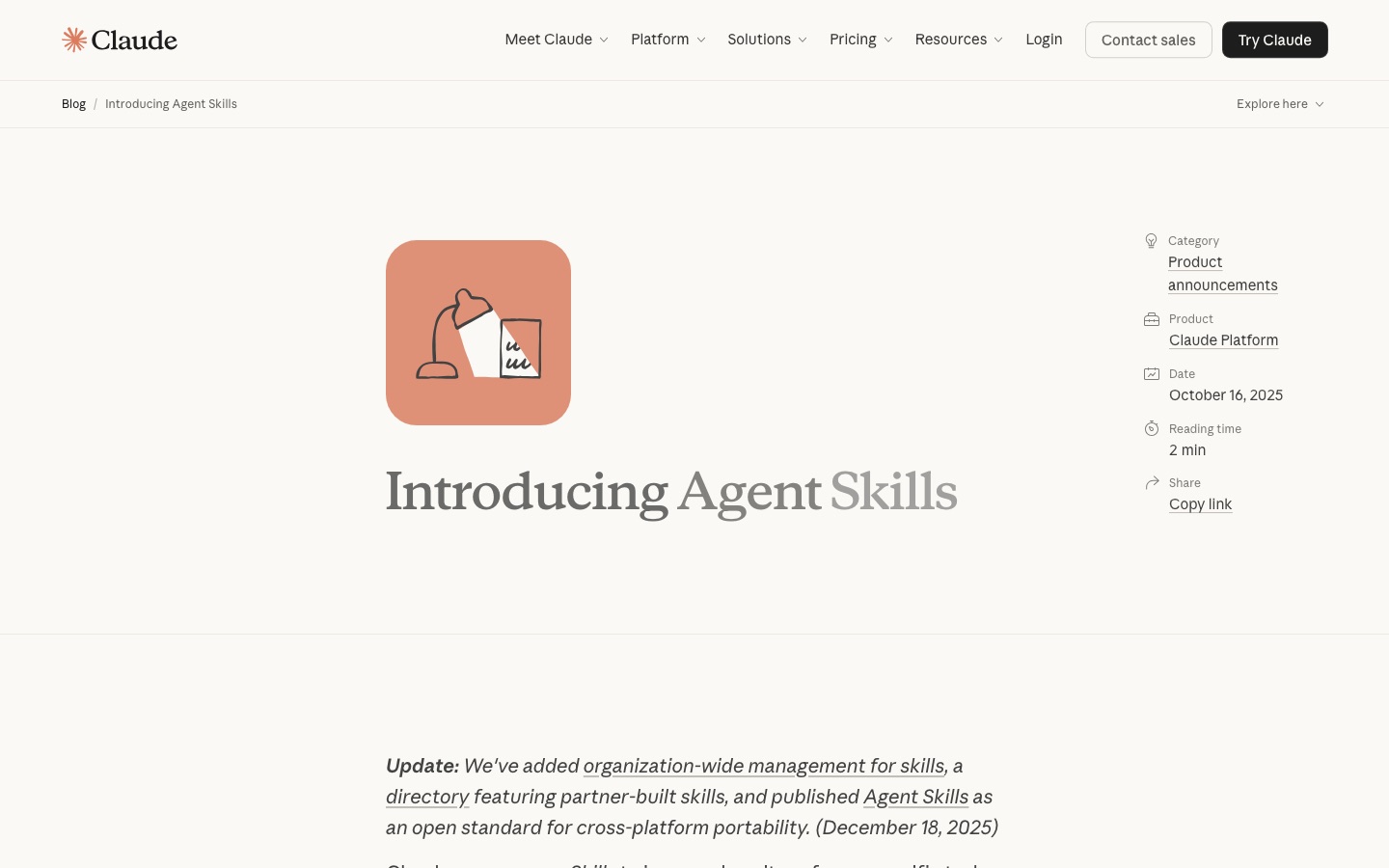 The official Claude Skills website, photographed in September 2026. Credit: Claude Skills
Why It Matters
- Consistency: Claude performs the task the same way every time, according to your standard.
- Time savings: No need to re-explain context and rules at the start of every conversation.
- Organizational knowledge: You can encode your team's working methods into a shared Skill.
How to Install an Existing Skill
The quick way, in the Claude interface:
- Make sure
Code execution and file creationis enabled under Settings > Capabilities - Go to Customize > Skills in the sidebar
- Under the Discover tab (or "+" then Browse skills), find the Skill you want, add it and turn it on
- If you received a Skill as a ZIP file: click "+", then Create skill and Upload a skill. The Skill folder must be at the top level of the ZIP (
my-skill.zip/my-skill/SKILL.md), and the folder name must match thenamefield
The manual way, in Claude Code:
# Save at the user level (available across all projects)
~/.claude/skills/my-skill/SKILL.md

# Save at the project level (shared with the whole team)
.claude/skills/my-skill/SKILL.md
How to Build a Custom Skill: Step by Step
1. Define One Clear Goal
A good Skill does one thing well: "writing product descriptions," "code review according to our standard," "drafting emails in the brand tone." Not "help me with everything."
2. Write Your SKILL.md
Basic structure:
---
name: product-descriptions
description: Writing product descriptions for our store in the brand tone
---

# Instructions
- Write in English, in second person, in a warm and professional tone.
- Each description: an opening sentence that sells, 3 benefit bullets, a call to action.
- Length: 60-90 words. No excessive superlatives.

# Example
[Paste 1-2 winning descriptions you love here]
3. Write a Precise Description
The description field is what Claude reads to decide when to activate the Skill. A clear description means activation at the right moment.
4. Test and Refine
Run a real task, review the output, and update the instructions and examples until the results are consistent.
💡 Tip: You can ask Claude itself to write your
SKILL.mdfor you. Describe what you want, and it will draft the Skill.
The Bottom Line
Skills transform Claude from a general-purpose tool into an assistant that knows your work. Half an hour spent writing one good Skill saves hours of repeating instructions, and the savings compound as you add more.
Not sure where to start? I've put together the 20 must-have Skills for Claude Code, ranked by priority, so you know exactly what to install first. And if you're looking for ready-made Skills available for immediate download, see the recommended Claude Code Skills, all built on code that runs in production.
Frequently asked questions

Yaakov Tzedek
An Israeli AI lecturer, consultant and implementer who has supported 100+ organizations in AI implementation and lectured for 200+. Official content partner of Meta, Google, Canva and TikTok, featured on Israel's Channel 13.
More about Yaakov →